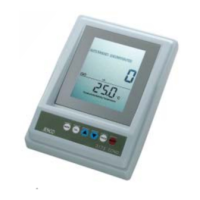
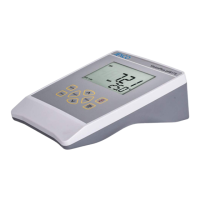
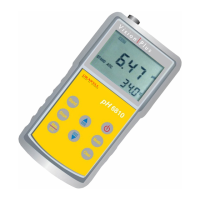
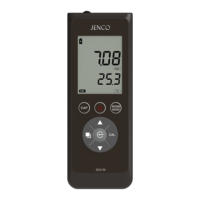
[Note: Press the “ON/OFF” key to turn the unit on. If the unit is
running then you can press the “ ON/OFF ” key to turn the unit
off. The unit will automatically turn off after 30 minutes of no key
activity.]
DISPLAY & KEYS FUNCTIONS
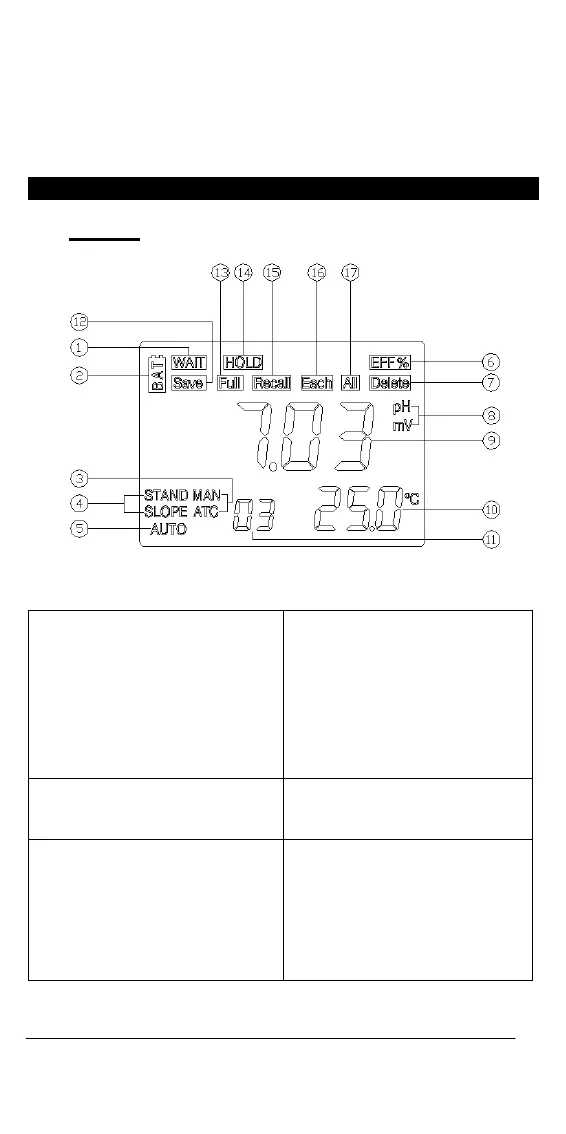
B. Display
Figure 2: Active LCD screen
1. WAIT-
This will be displayed when the
unit is still waiting for a stable
reading or end point sensing.
4. STAND/SLOPE-
This indicator will flash if the
STAND or SLOPE is not yet
calibrated. This indicator will
remain lit-up if the STAND
and SLOPE have been
calibrated.
2. BAT-
Low battery indicator.
5. AUTO-
AUTOLOCK mode indicator.
3. ATC/MAN-
ATC indicator will be displayed
if a temperature probe is
connected otherwise the MAN
indicator will be displayed.
6. EFF(%)-
This will be displayed if the
user is viewing the efficiency
of the electrode.
18


 To Next Page