5
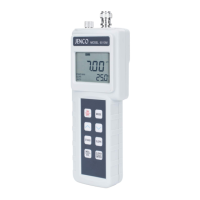
B. Keys
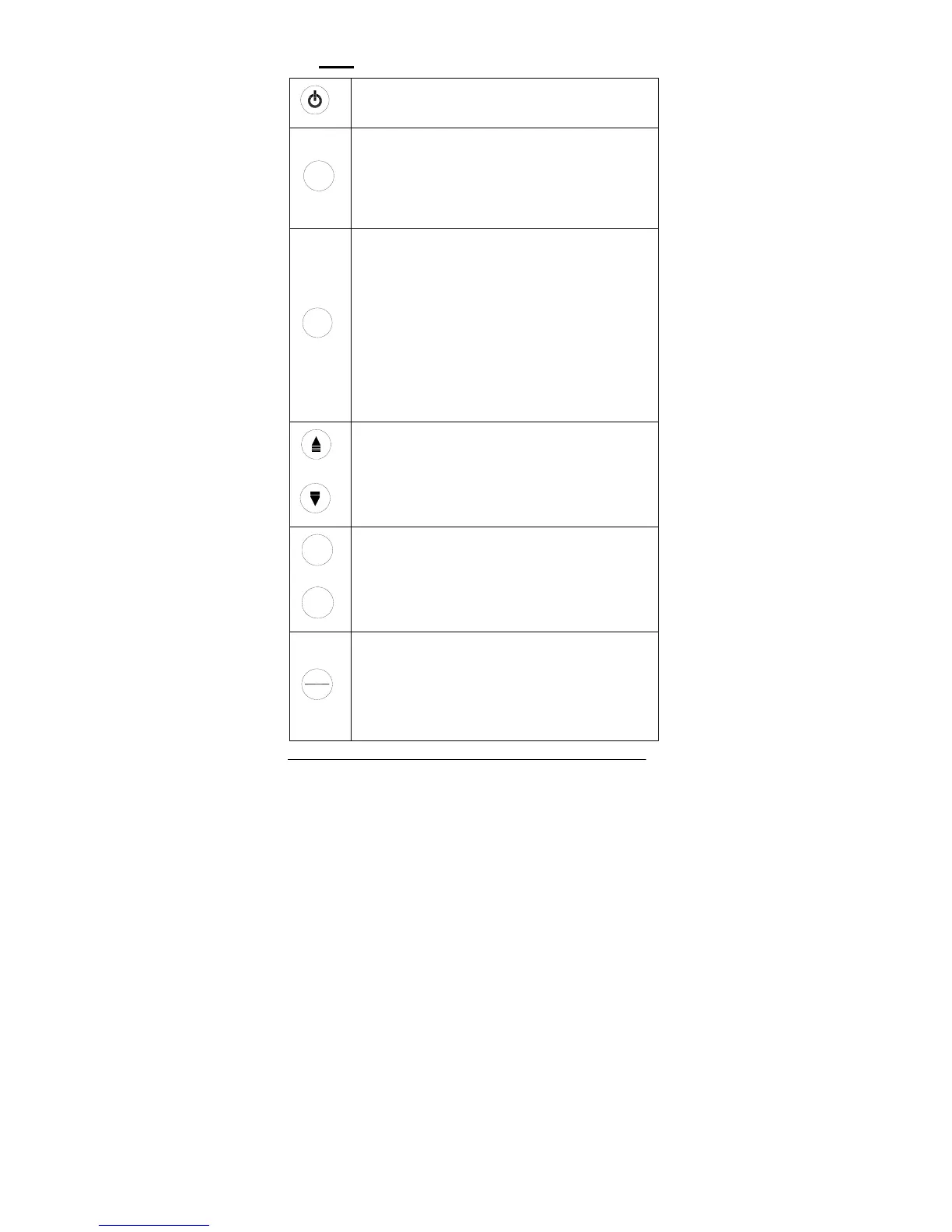
On/Off-
Powers on and shuts off the meter.
Mode
Mode-
Selects display mode. Pressing this key changes the
display sequentially to display pH-AUTOLOCK,
mV-AUTOLOCK, pH and mV. The calibration values
will not be affected by changing the display modes.
In “pH calibration”, press “Mode” key to exit the two
point calibration mode.
Clear
Clear-
It is used to clear the unit when error signal appears.
It clears all calibration values stored in the internal
memory.
Under normal use the key will not be activated unless
pressed and held for 2 seconds to prevent accidental
erasing stored memory.
When the Clear key is pressed, all segments of the
LCD will be on. After about 2 seconds the unit will
enter the pH-AUTOLOCK mode. The “AUTO” will be
on and “STAND” will start to flash. This means that
the unit must be calibrated.
Up/Down-
The two keys are used to manually enter the
temperature values. They have no effect on the unit
when operating in ATC mode.
Stand
Slope
Stand/Slope-
The Stand and Slope keys are used for dual or three
point pH calibration of the unit. Pressing and holding
the Stand key while turning on the power, will
change the buffer set to the other available buffer set.
Mea.
Eff.
Mea. / Eff.-
The key is used to bring the unit out of the
AUTOLOCK condition when operating in the
pH-AUTOLOCK or mV-AUTOLOCK mode.
Press and hold this key for 5 seconds, the LCD will
display the efficiency of the electrode.


 To Next Page