Introduction
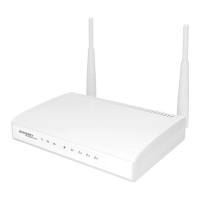
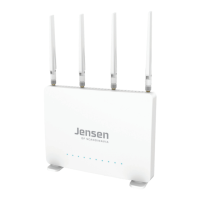
AirLink 3G is a wireless mobile router that support most of the 3G/4G USB modem on the marked.
With AirLink 3G you can share the internet connection from an USB modem (3G/4G) on several devices
via wireless or cable (port 1,2,3 or 4)
In order for the AirLink 3G to connect to mobile broadband (3G/4G) you have to follow this steps:
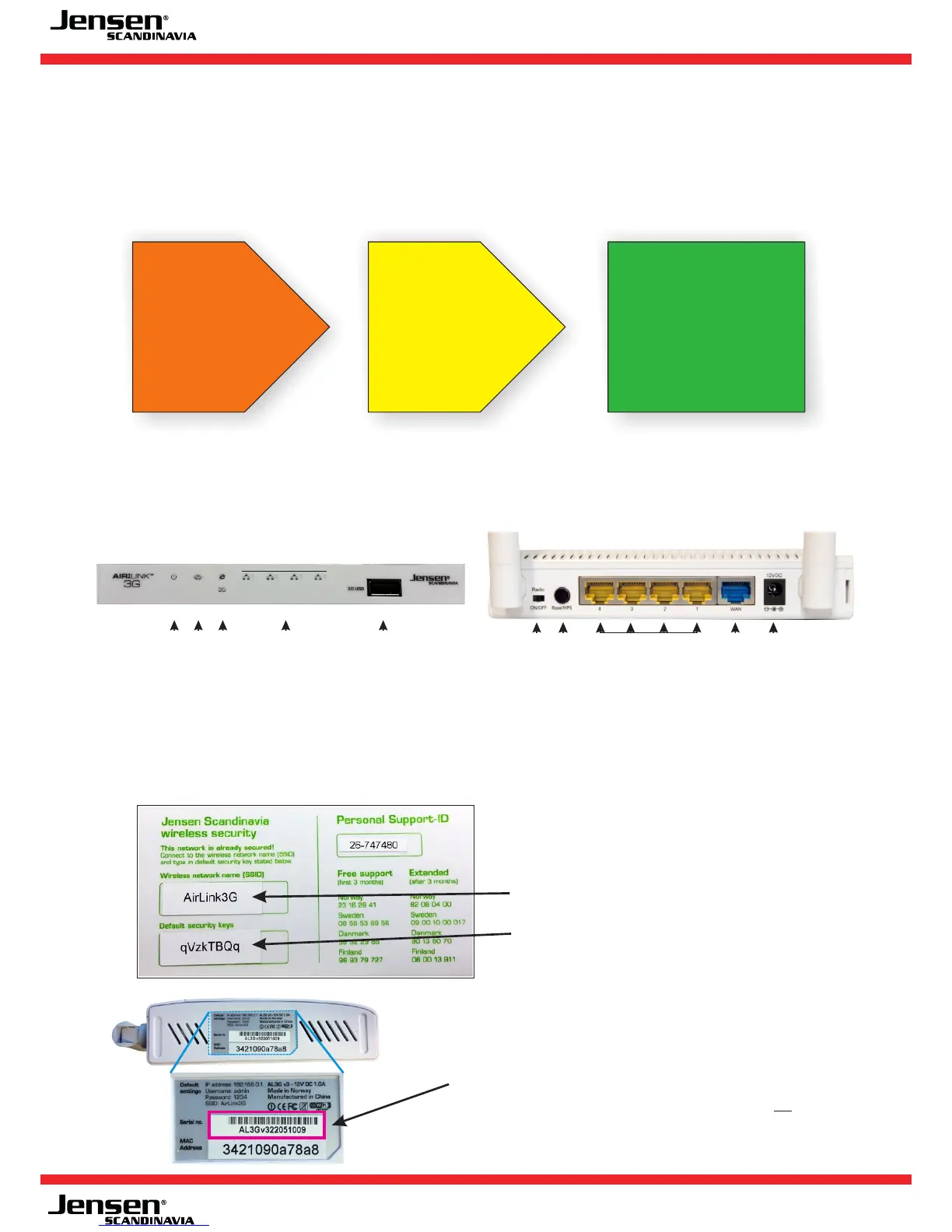
LED and ports on your AirLink 3G
Information about your AirLink 3G
Default network name and encryption password are printed on the top and under the router.
- 2 -
Power
LED
Internet and
3G/4G LED
LED for LAN
port 1,2,3 and 4
WLAN
LED
USB port for
3G/4G modem
WiFi
on/off
Reset/
WPS
WAN
port
LAN port 4,3,2 and 1
12V DC
input
Front
back
Network name
Encryption password
How do I see the version number of my AirLink 3G?
AirLink 3G are made in 3 different versions.
Version 1 and 2 - serial number begins with AL3G....
Version 3 - serial number begins with AL3Gv3....
1
Your USB modem
(3G or 4G) must
be on the list of
supported
modems.
2
Firmware version
must be upgraded
to latest version.
3
AirLink 3G must be
setup with correct
APN and PIN code.
Page 3-5 Page 6-9 Page 10-11



 To Next Page