EasyManua.ls Logo

Jensen CAR1000 - User Manual

Jensen CAR1000
27 pages
Print Icon
To Next Page IconTo Next Page
Loading...
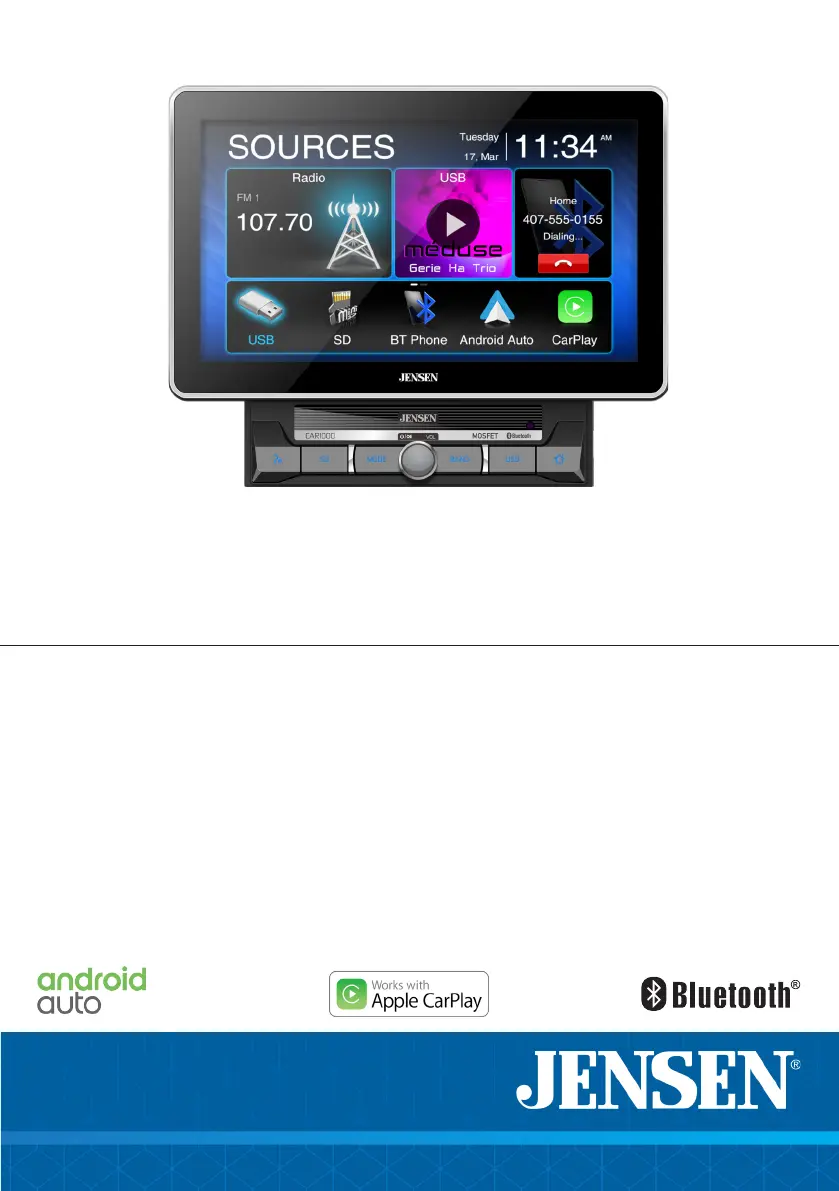
INSTALLATION &
OWNER’S MANUAL
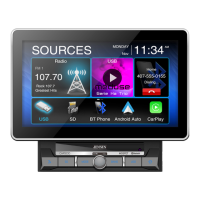
CAR1000
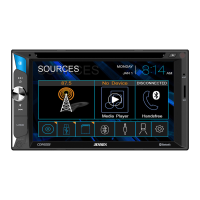
10.1”CAPACITIVE TOUCH SCREEN
2 DIN MULTIMEDIA MECHLESS RECEIVER
AM-FM
USB/SD Media Player
Rear Camera Input

Questions and Answers

  • S
    Stacey KirkJul 29, 2025
    Why won't my Jensen CAR1000 Car Receiver turn on?
    • D
      Dana MendezJul 29, 2025
      If your Jensen Car Receiver isn't turning on, there could be a few reasons. First, the yellow or red wire might not be properly connected or have the correct voltage (11~16VDC), so check those connections. Second, the black wire might not be connected to ground, so verify that connection as well. Lastly, the fuse might be blown, in which case you should replace it.
  • Y
    Yvette ClarkAug 4, 2025
    What to do if my Jensen CAR1000 Car Receiver keeps blowing fuses?
    • M
      Matthew LewisAug 4, 2025
      If your Jensen Car Receiver keeps blowing fuses, it could be due to a few reasons. The yellow or red wire might be touching the chassis ground, or the speaker wires might be doing the same; in both cases, check for any pinched wires. Also, make sure you are using fuses with the correct rating.
  • S
    Sarah YoungAug 12, 2025
    Why does my Jensen CAR1000 have power but no sound?
    • D
      David BrownAug 12, 2025
      If your Jensen Car Receiver has power but no sound, it could be due to a few things. First, check the speaker connections to make sure they are properly connected. Second, check if any of the speaker wires are touching each other or the chassis ground. If they are, insulate all bare speaker wires from each other and the chassis ground.
  • S
    Stephanie McconnellAug 19, 2025
    What to do if my Jensen CAR1000 Car Receiver has audio but no video?
    • T
      Timothy ReedSep 12, 2025
      If your Jensen Car Receiver has audio but no video, check the parking brake safety circuit connection. Also, ensure the parking brake is applied as described.

Summary

Safety and Warnings

Driving Safety Precautions

Emphasizes driver distraction risks and proper unit operation.

Parking Brake Lock-Out

Explains the parking brake lock-out feature and installation.

Volume Level Advisory

Advises keeping volume low to hear emergency vehicle sounds.

Safety Information

General Safety Guidelines

Covers unit installation, handling, cleaning, and maintenance.

Installation and Preparation

Before You Start Installation

Advises disconnecting battery and avoiding extreme conditions.

Wiring Diagram

Inputs and Outputs Overview

Illustrates all unit input/output connections and their functions.

General Operation

General Operation and Settings

Bluetooth Operation

Pairing New Devices

Explains the process of pairing a new Bluetooth device with the unit.

Bluetooth Features

Apple CarPlay

CarPlay Overview

Describes CarPlay as an interface for iPhone integration and voice control.

Starting CarPlay

Details how to connect an iPhone to start CarPlay and activate Siri.

Apple CarPlay Usage

CarPlay Interface

Explains the home button, Siri access, and application shortcuts.

Android Auto

Android Auto Overview

Introduces Android Auto for phone integration, navigation, calls, and music.

Google Assistant

Highlights using Google Assistant for voice commands and navigation.

Android Auto Usage

Android Auto Home Screen

Describes the personalized information displayed on the Android Auto home screen.

Auxiliary Inputs

Rear Camera Operation

Explains connecting a rear camera to the unit and auto-selection mode.

Steering Wheel Control (SWC)

Troubleshooting

Common Problems and Solutions

Provides a table of common issues, causes, and corrective actions for unit operation.

Jensen CAR1000 Specifications

General IconGeneral
BrandJensen
ModelCAR1000
CategoryCar Receiver
LanguageEnglish

Related product manuals