Page 4
Installation of driver in Windows 10
Important! Do not connect the until the driver is fully installed.Eagle 100/Lynx 500
* If you have downloaded driver from our webpage you can run the setup.exe from within the folder
you unzipped the driver to.
Insert the CD nowEagle 100/Lynx 500
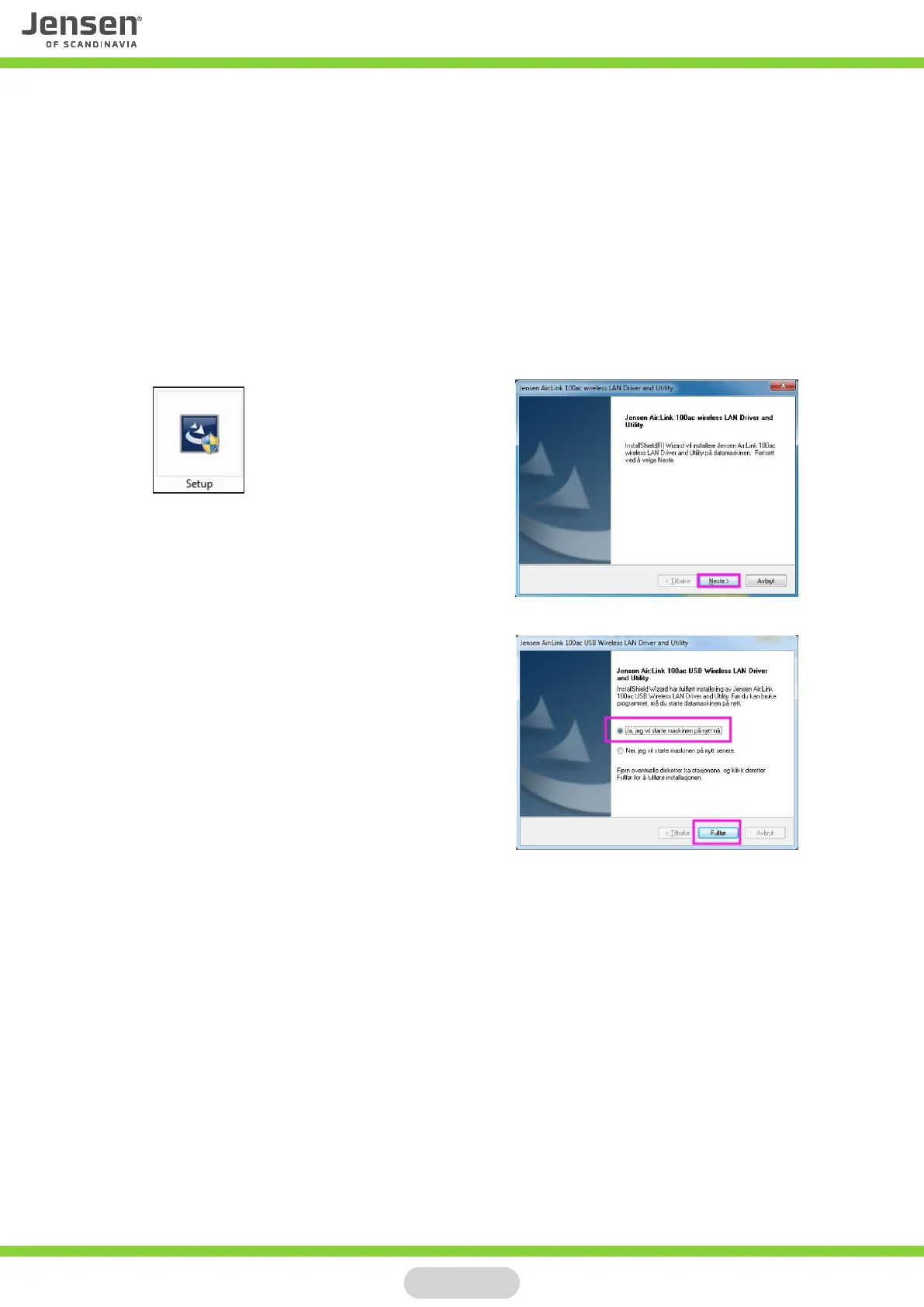
If the installation is not starting automatically please run the setup.exe file manually.
You will find the setup.exe file by click My computer and select CD (usually D:)
Click Next and wait for the setup to start
Windows now needs a restart
Select «Yes, I want to restart my computer now»
The driver for is now installed.Eagle 100/Lynx 500
After restart of Windows you can connect the to the USB port on your PC.Eagle 100/Lynx 500
The new device will be installed automatically and are ready for use after about 30 seconds.



 To Next Page