Operating Instructions
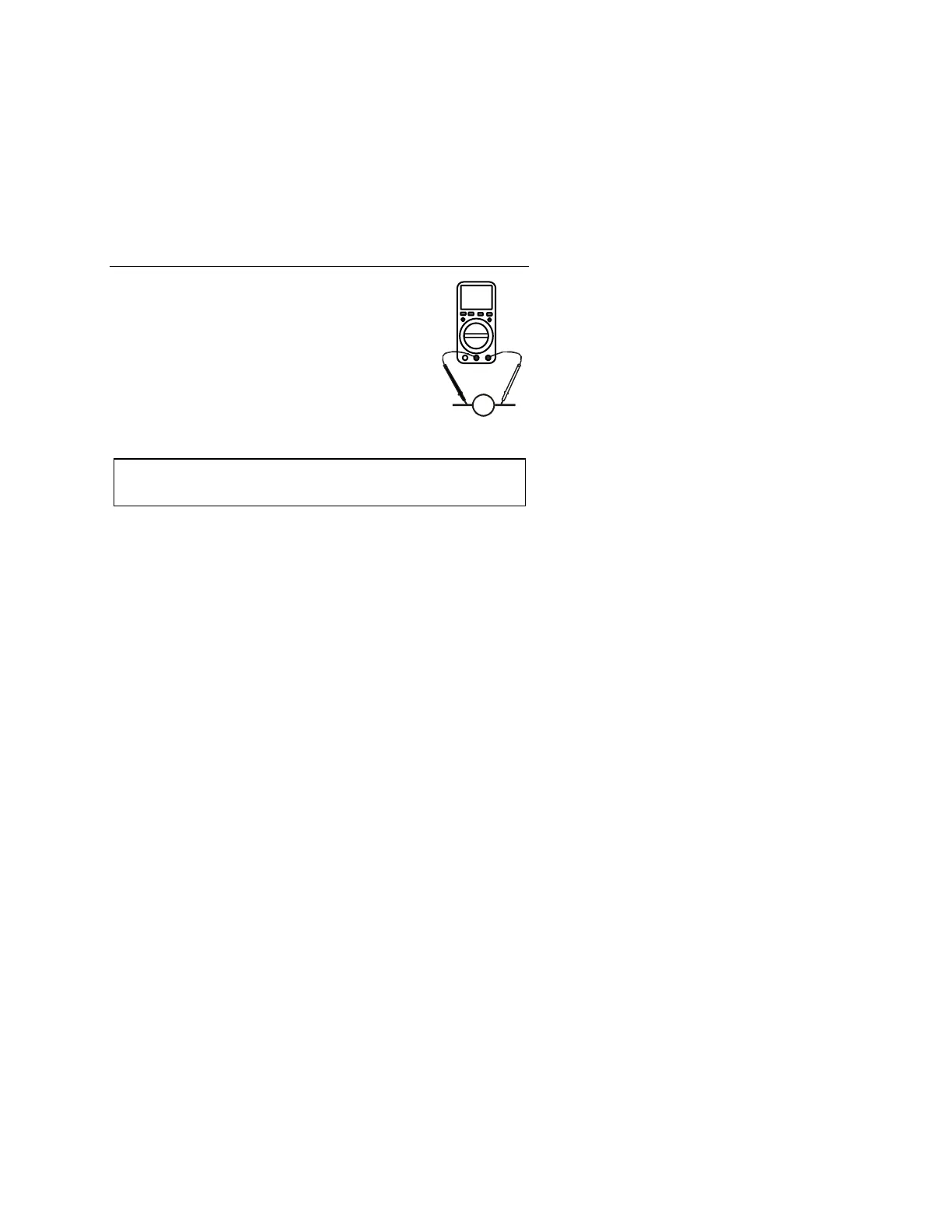
AC or DC Voltage Measurements
JTM-69A V2.0 10/07
8
1. Insert the black test lead banana plug into the
negative COM jack and the red test lead banana
plug into the positive V jack.
2. Turn the rotary switch to the VAC or VDC
position.
3. Touch the test probes to the circuit under test
and read the voltage on the display.
Note: Pressing the Hz/% button while in the voltaget
function will switch the display to frequency or d
C Current M
ut
AC or D easurements
s on the 10A scale for
y cycle
CAUTION: Do not make current measurement
longer than 30 seconds every 15 minutes. Exceeding 30 seconds may
cause damage to the meter and/or the test leads.
1. Insert the black test lead banana plug into the negative COM jack
A
position.
test and read
while in the current function will switch
and the red test lead banana plug into the;
a. Positive uA/mA jack for currents to 400m
b. Positive 10A jack for currents to 10A
2. Turn the rotary switch to the uA, mA or A
3. Press the MODE button to select AC or DC current
4. Touch the test probes in series with the circuit under
the current on the display.
Note: Pressing the Hz/% button
the display to frequency or duty cycle


 To Next Page