7. HOW TO USE
8. Maintenance and Cleaning Instructions
9. DIAGNOSTICS & REMEDIES
SYMPTOM
Hand dryer fails to start
Hand dryer turns on/off
erratically
Hand dryer locked
Clean sensor area inside the drying cavity.
CORRECTIV E A CT IO N
Model: Serial No.:
Distributor: Customer:
Address:
Tel No.: Fax No.:
Date of purchase:
The LED display provides information about the operation and servicing
needs of the hand dryer.
A. Drying time and welcome diagram B. Power indicator
C. Air sterilization indicator D. Self-check indicator
1. This hand dryer is equipped with removable intake air pre-filter and a replaceable HEPA filter.
2. Regularly check filter status is required. High traffic may require more frequent replacement of the HEPA filter.
3. The removable intake air pre-filter can be cleaned and re-used.
4. Replacement filters can be purchased through your dealer where you purchased the hand dryer.
5. HEA P filter is recommended to be cleaned by a vacuum cleaner.
The dryer is equipped with an O N/OF F Power Switch, Speed Control Switch and Hot/Cold Switch.
The factory default setting for the Power Switch “ON”, Speed Control Switch “H IG H” and Hot/Cold Switch “HOT”.
All the switches are located inside the dryer on the left side of the water collection tray. To access, remove the water
collection tray.
CAUTION on HE PA: Failure to replace a used / dirty HEPA filter can cause overheating of the han
d dryer ’s motor or
heat element and may invalidate your warranty. It is recommended to check it once per week.
CAUTION on Water Co
llection Tray: Check the water level regularly via the front viewer and empty as required.
Clean
the tray and replace it. If the tray is overfull, it will overflow onto the floor and may present a slip hazard.
CLEANING
All surfaces of the hand dryer can be cleaned with a soft cloth and non-abrasive, non-caustic cleaning
solutions. A cleaning brush for the drain hole in the bottom of the drying cavity is provided.
Check power supply is turned on and the power switch on the hand dryer is on.
Check for foreign objects in the drying cavity that maybe blocking the sensors.
Insert hands a little further into the drying cavity to activate sensors.
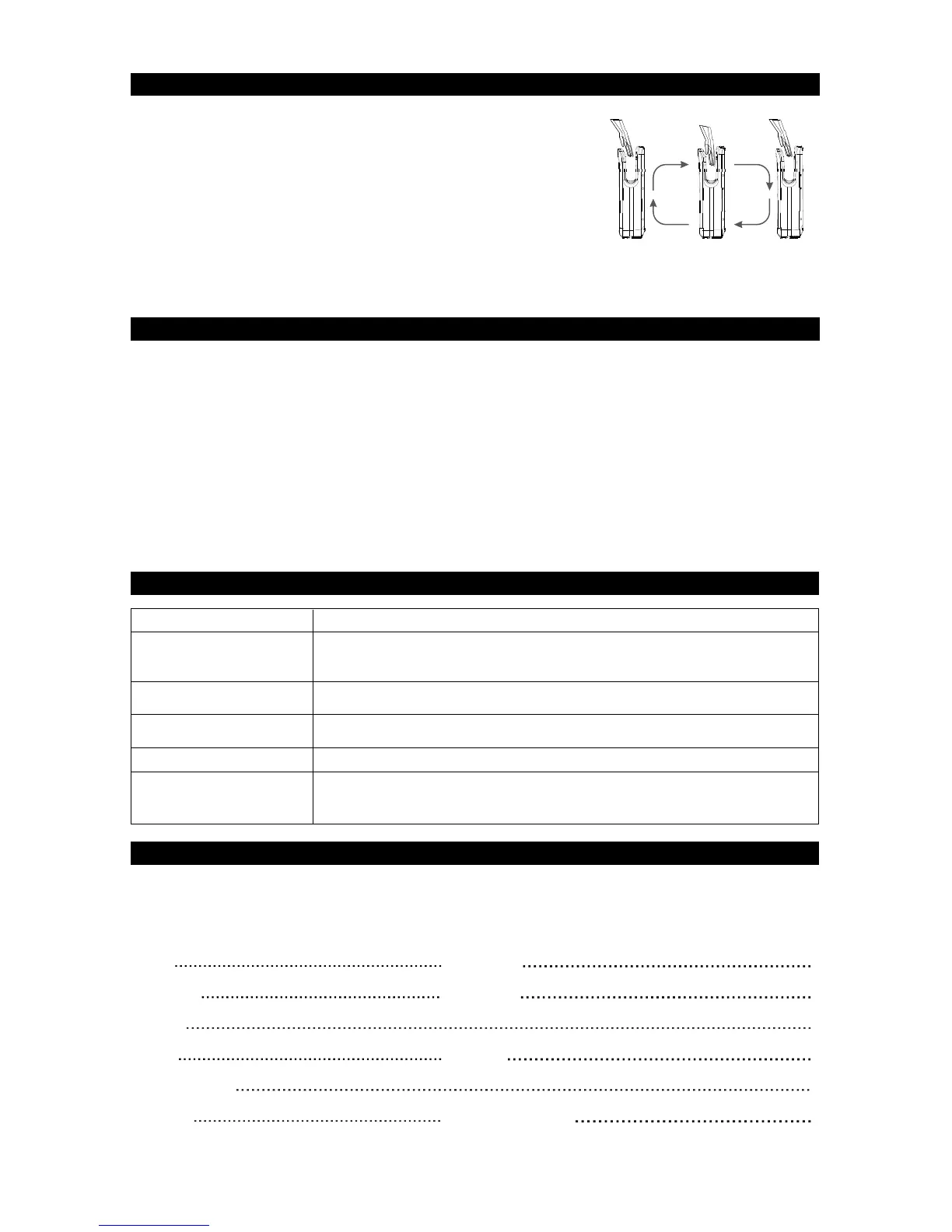
1. Automatic, no-touch operation.
2. There is a blue LED light to guide user to the air flow.
3. The hand dryer will start automatically when hands are inserted.
4. Slowly move your hands up and down through the air stream for 7-10 seconds.
5. The hand dryer will stop automatically after hands are removed.
Heater will not work if ambient temperature is more than 25 C
Not hot air
Check heater switch is on and fuse is intact.
Hand dryer will be locked if the supply voltage fluctuates by more than 15%. Turn off
the hand dryer for 10 minutes and then restart.
Low air speed
Switch speed control to “H”. Check and clean filters.
For Seller: Signature :
10. LIMITED WARRANTY
This hand dryer has a 2 year warranty from the date of purchase for any manufacturing defect. It covers replacement
of defective parts except when caused by improper use of the hand dryer. It excludes motor brush replacement.
This warranty is only valid if the form card has been properly completed.
For any warranty claim you should contact your supplier.
4 JETBOX Blade
.



 To Next Page
 Loading...