8. Use the down arrow to navigate to the Download and press the
OK button.
9. Select Install now by pressing the OK button and then allow the
phone to restart on its own.
Flashlight
Press and hold the 0 button to turn the flashlight on and off
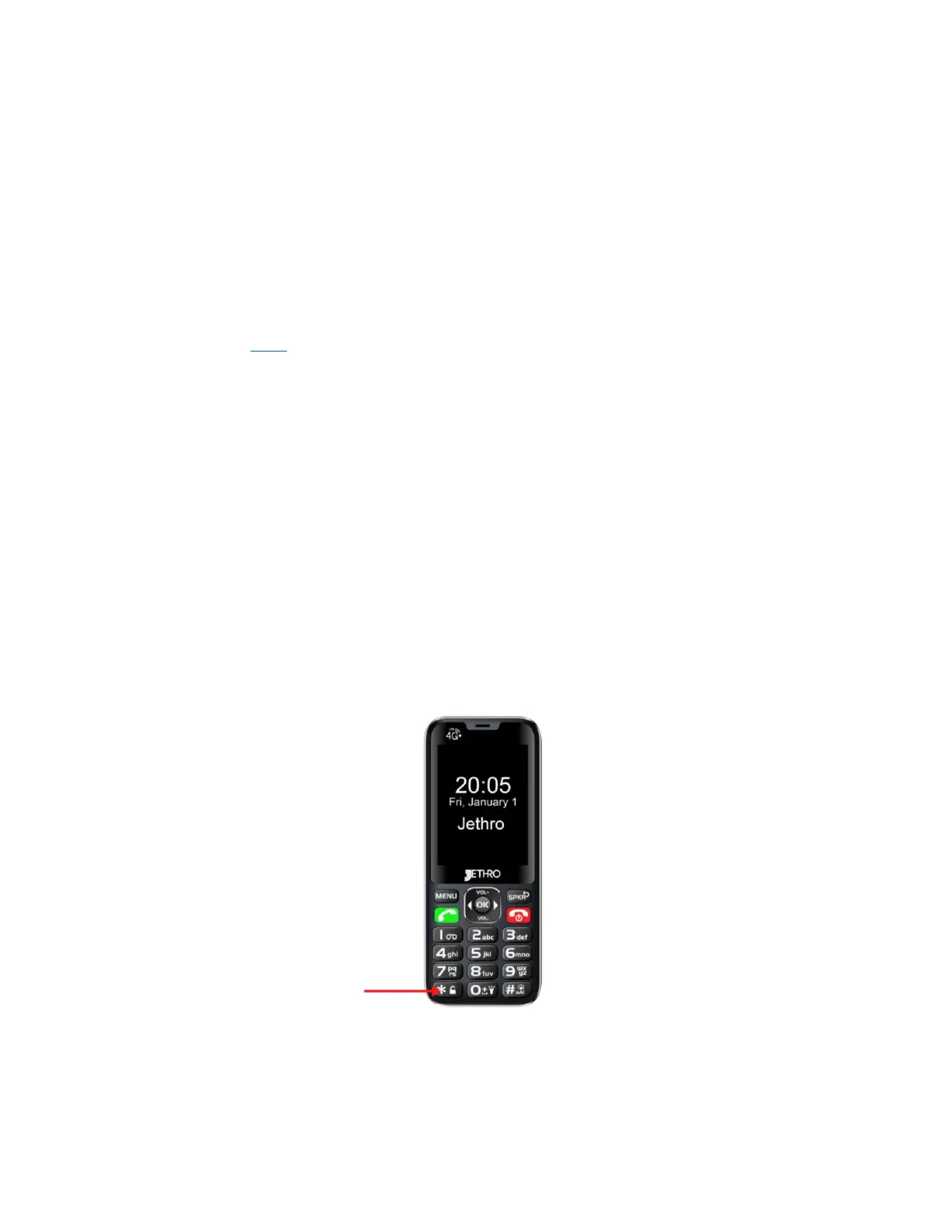
Keypad Lock
YouTube Tutorial Here
1. Press the MENU button.
2. Use the right and left arrow buttons to scroll to Settings.
3. Use the down arrow button to scroll to Security and press the OK
button.
4. Press the OK button when Screen lock is highlighted blue.
5. Select Key if you want to simply press and hold the * button to
unlock the phone.
6. Select PIN if you want to use a 4-digit number to unlock the
phone, enter the pin you want, choose Next, re-enter the pin, and
select Ok.



 To Next Page