Phone Calls
Answer and Reject Phone Calls
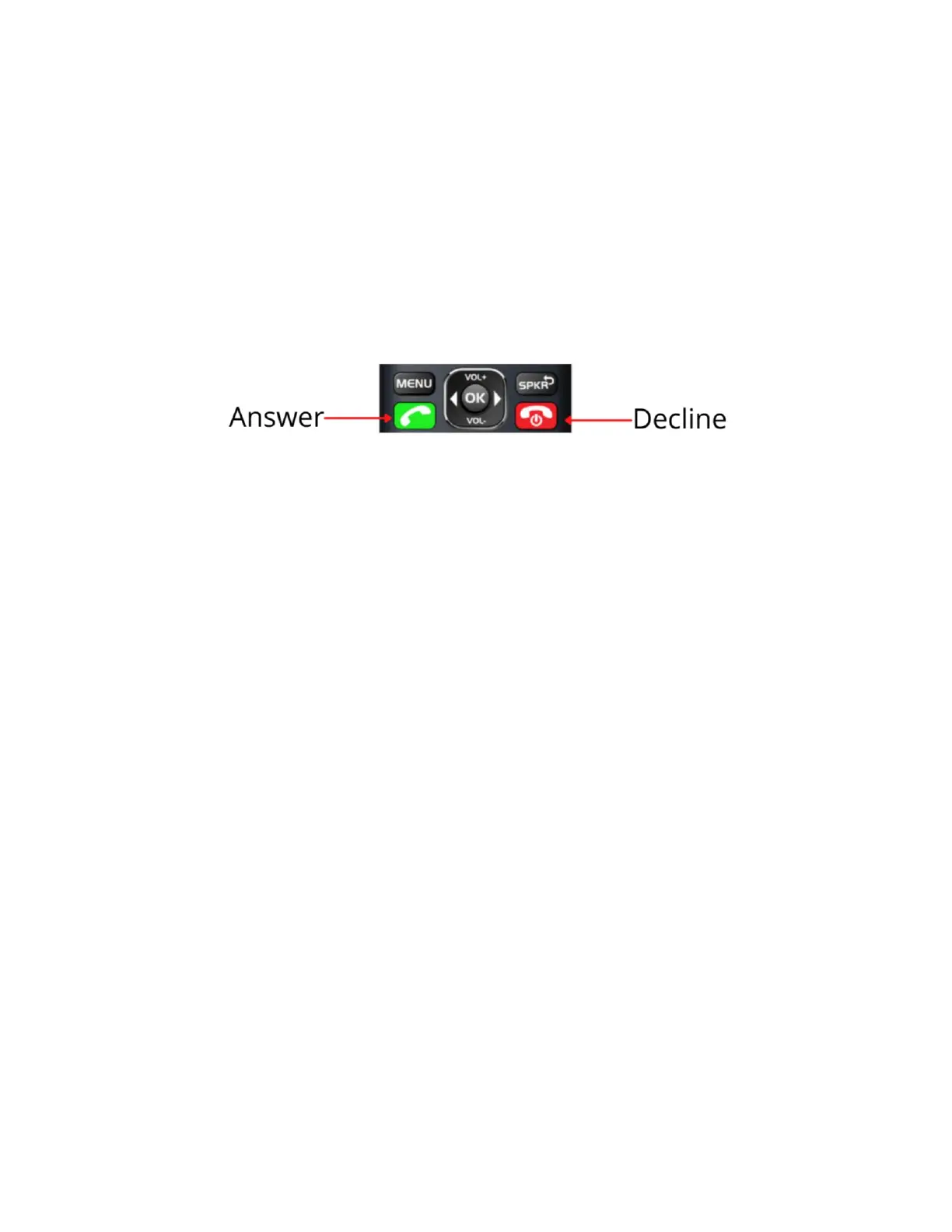
• To answer an incoming call, press the green phone button
(located under the button that says MENU).
• To decline an incoming call, press the red phone button
(located under the button that says SPKR).
Block Numbers
1. From the home screen, press the green button to bring up your
call log.
2. Use the up and down arrow buttons to navigate to the number
you would like to block.
3. Highlight the number you want to block in blue and press the
MENU button to bring up options.
4. Select Block number and press the OK button.
How to Make a Phone Call
• By Dialing
1. From the home screen, type the number you would like to
call then press the green call button.
• From Contacts
1. Press the speaker button (SPKR) to bring up your contact
list.
2. Use the arrow buttons to navigate to the person you want to
call.
3. When the contact you want to call is highlighted in blue,
press the green button.



 To Next Page