Turn Phone On/Off
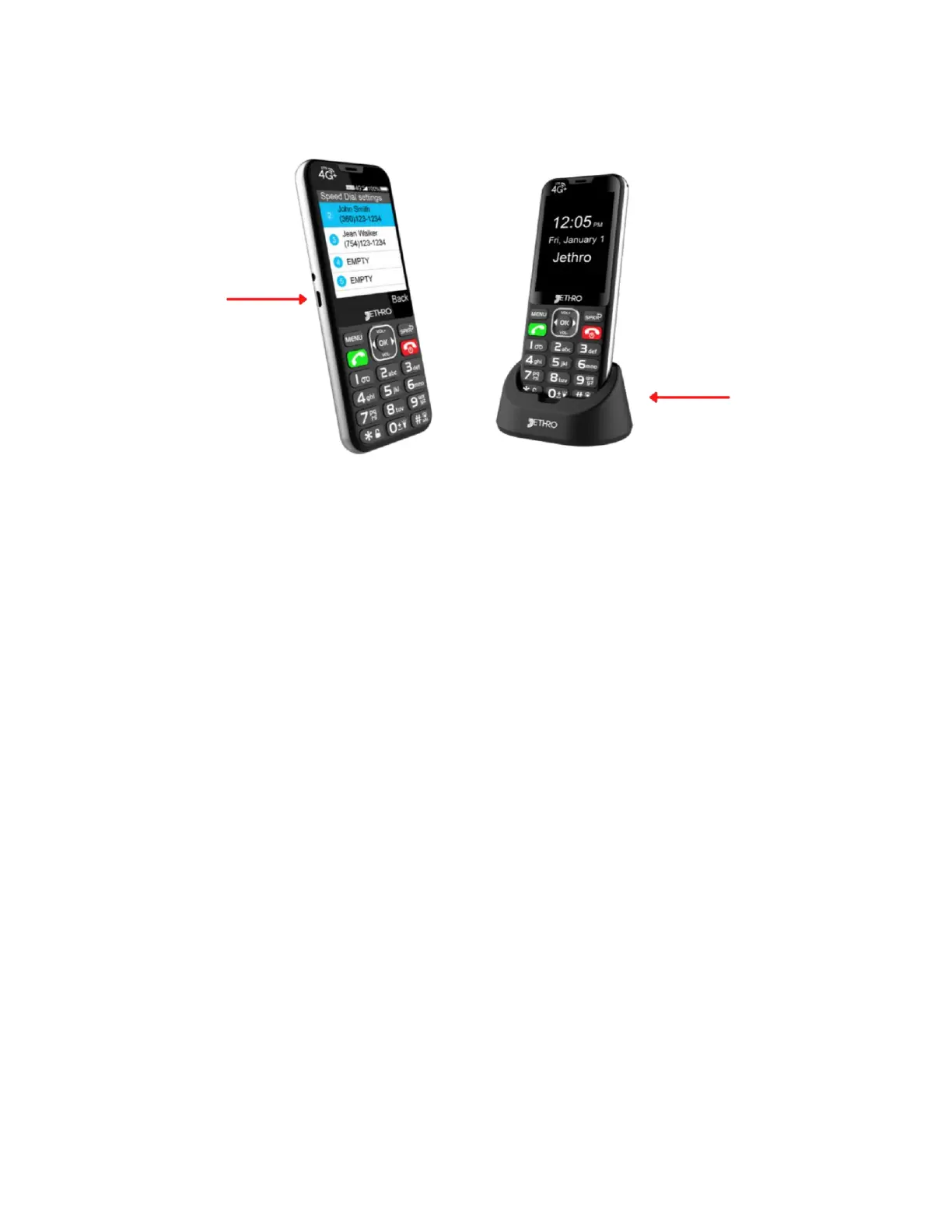
1. On: press and hold the red hang up button for 5 to 10 seconds
until phone starts turning on.
2. Off: press and hold the red hang up button for 5 to 10 seconds
until you see the message “Do you want to shut down?” then
press the OK button.
Navigate your SC490
• To navigate the SC490 you will want to use the right, left, up, and
down arrow buttons around the center OK button.
• The up and down arrow buttons are labeled VOL+ and VOL-.
• Use the OK button to select thing.
• The SPKR button will function as a back button and the MENU
button to bring up apps and menus.



 To Next Page