4. CHARGING THE BATTERY
A few must-do’s:
• Only use the included charger
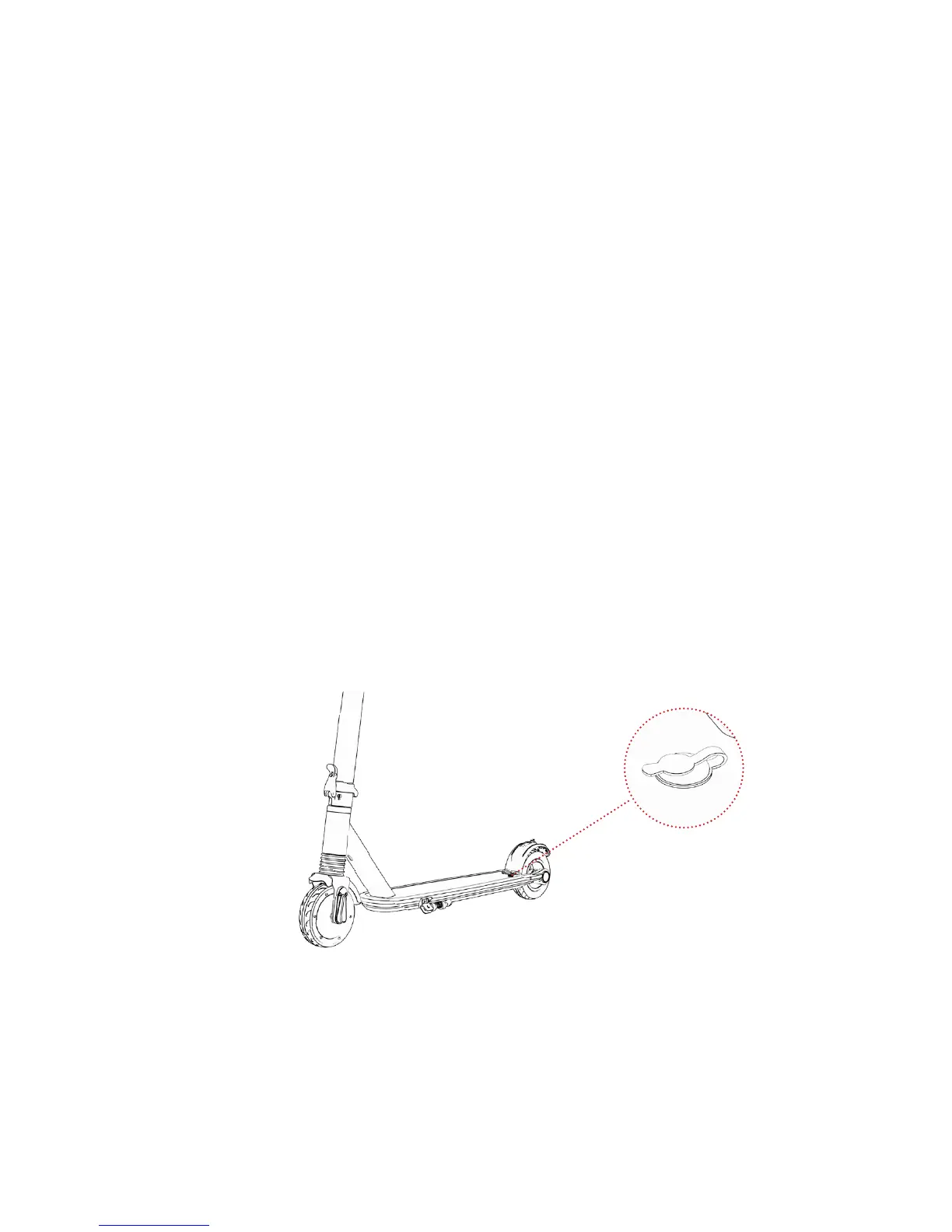
• Plug the charger into the wall before the Charging Port
• Don’t turn on the Element while it’s charging (it needs its rest)
• Charge the battery until it is fully charged - up to 4 hours
• Replace the cover over the Charging Port when done
• Remember to have fun!
CHARGING INDICATOR ON THE CHARGER:
Red Light: Battery is charging
Green Light: Charging is complete
Charging Port



 To Next Page