25
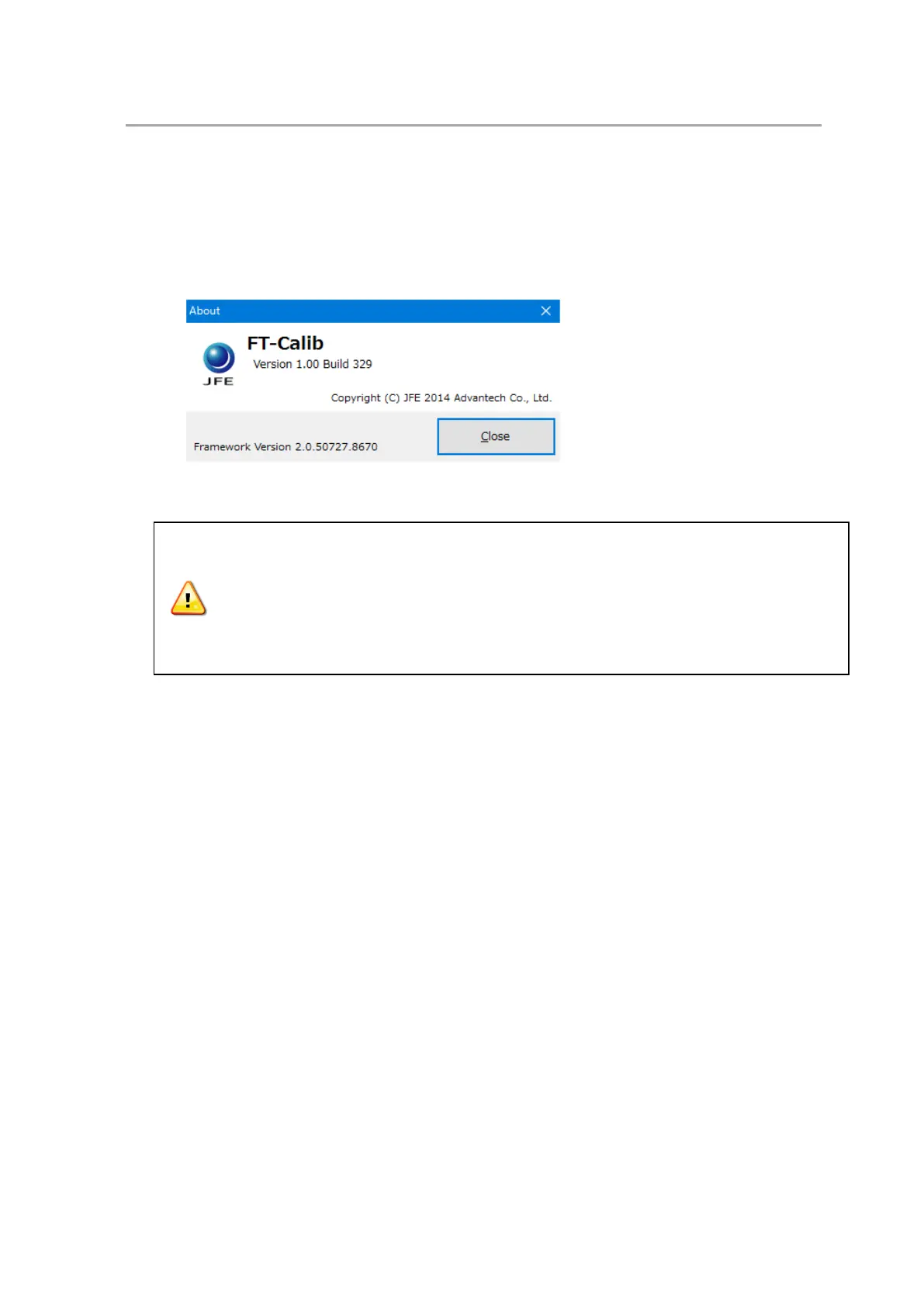
7.6.2 Check the software version
The software version can be checked. When there is any problem, inform JFE Advantech about the
problem and the version information.
(1) Start the software “FT-Calib” (see 7.4.1).
(2) Select [Help > Version information]. The [Version information] window will be displayed.
The content and specifications may change for correction and improvement without
notice.
We try our utmost to comprehensive content, but please contact JFE Advantech for any
suspicion or suggestions.
For other handling, refer to Section 4.



 To Next Page