the device is on and shut off the engine directly, then next time the engine is on, the device will
automatically turn on.
Energy saving mode
When the device is on, short press power button to go into standby mode, the screen will close.
Short press the power button again to return.
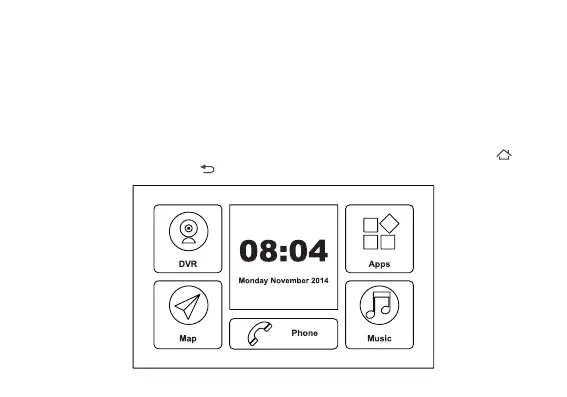
Main screen introduction
The system provides GPS navigation, DVR, Google Play, Gmail, music, movie, etc. Press
button to return to main screen, button to return to last screen.


 To Next Page