4 Operation
4.1 Connect with power
1
˅
Connect with the power cable and charger
2
˅
The Blue LED indicator will be flashing slowly if the device is connected successfully with the
WIFI network. If the Blue LED is constant on, it means the WIFI network is not set correctly or
there is no WIFI, and it will enter into AP setting mode.
4.2 Fast setting
4.2.1 APP
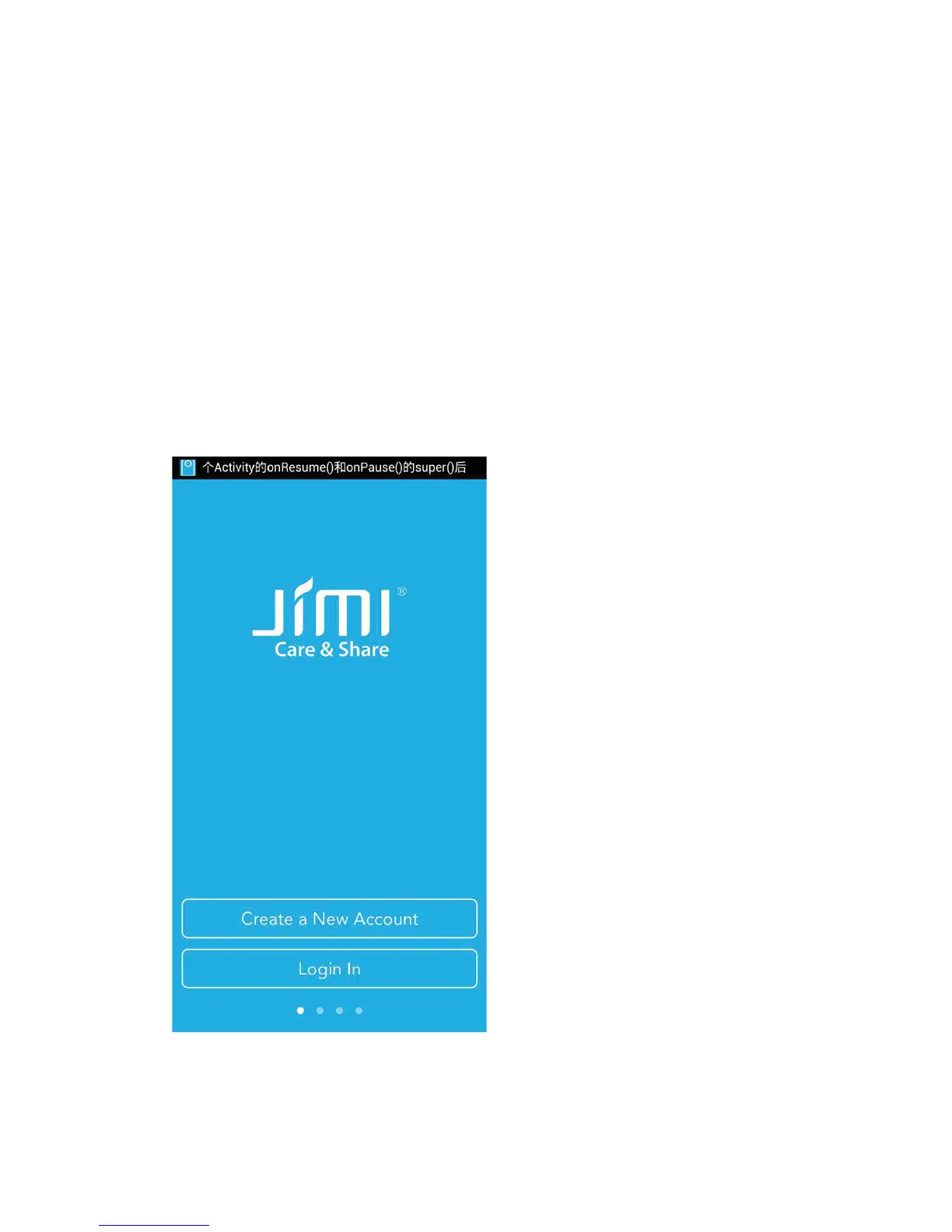
Please download APP from APP store or at www.jimilab.com.
4.2.2 WIFI setting
1
˅
When the device is ON with Blue LED in constant bright status, connect to a available WIFI in
your phone setting.
2
˅
Start APP on your phone, create account and login.


 To Next Page