NOTE:
Theremotehasadefaultsetting:Intervaltime(INT)=exposuretime(BU)+time
fromthemomentthisshotendstothemomentnextshotstarts.Sowhentaking
longexposurepictures,tomakethecamerahaveenoughtimetofocus,interval
time(INT)shouldbeatleast2secondslongerthanexposuretime(BU).Whenusing
autofocusfunction,makesuredelay/selftimeris2secondsorlongertoleavethe
cameraenoughtimetofocus.Whenusinglongexposurenoisereduction,the
intervalshouldbeatleasttwicetheexposuretime.
Whenintervaltimesetisshorterthanexposuretime,thenthesettingswillbeinvalid.To
ensurethetimerisfinished,theintervalwillautomaticallyberesetto1second.According
tothesystem’sdefaultsetting,theintervaltimeisatleastonesecond.
Numberofshotscanbesettoanynumberbetween1to399orunlimited.Tosetthe
numberofshotsto--(unlimited),select1andthenpressthe ▼ buttonorselect399and
thenpress ▲ button.
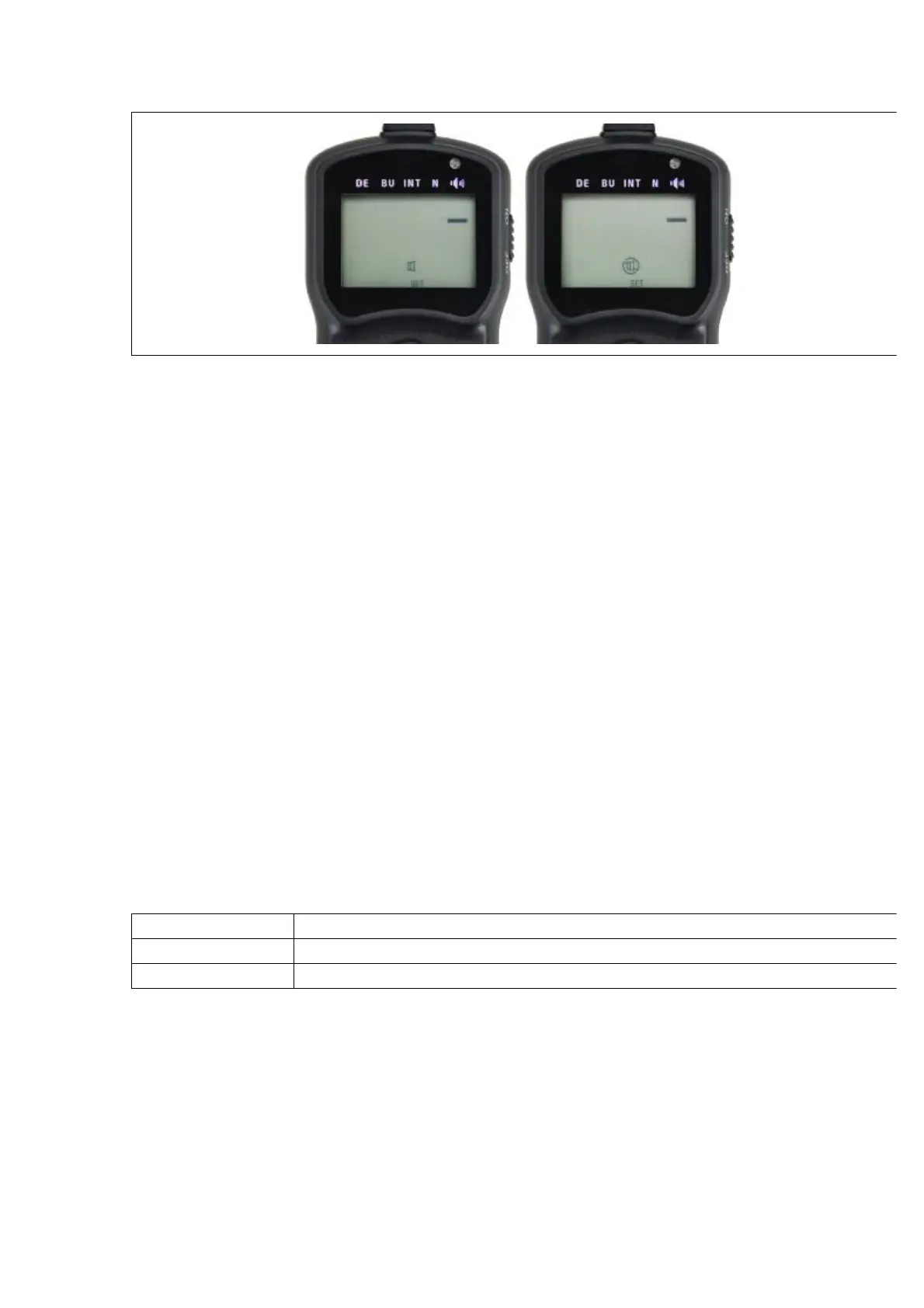
Afterfinishingadjustingallsettings,presstheSETbuttontoputthenewsettingsENABLE.
Abeepwillsound(IfthespeakerisON)andthe “SET” iconindicatorwillgoout.
Startingorendingthetimer
Startingthetimer
l SettingandstartingtheBULBMode
CameraSetting
Beforestartingthethisfunction,camerasettingsarerequiredtobeadjustedasfollows:
ExposureMode M(manual)
ShutterSpeed BULB
DriveMode S(singleshooting)
TMSetting
Pleasesetyourdesired “DE”, “BU”, “INT”, “N” andspeakerstatusasdescribedin
previoussections.
Whenfinishedallthesettings,presstheSTART/STOPbuttontostartthetimer.Nowthe
LCDscreenwilldisplaycountdownofdelay(ifdelay≥1s)andthendisplaysalternatively
countdownoftheexposuretimeandtimeremainingbeforenextshotbegins.
DuringBULBshooting,theLCDscreenshowsthetimeremaininguntiltheshuttercloses,



 To Next Page