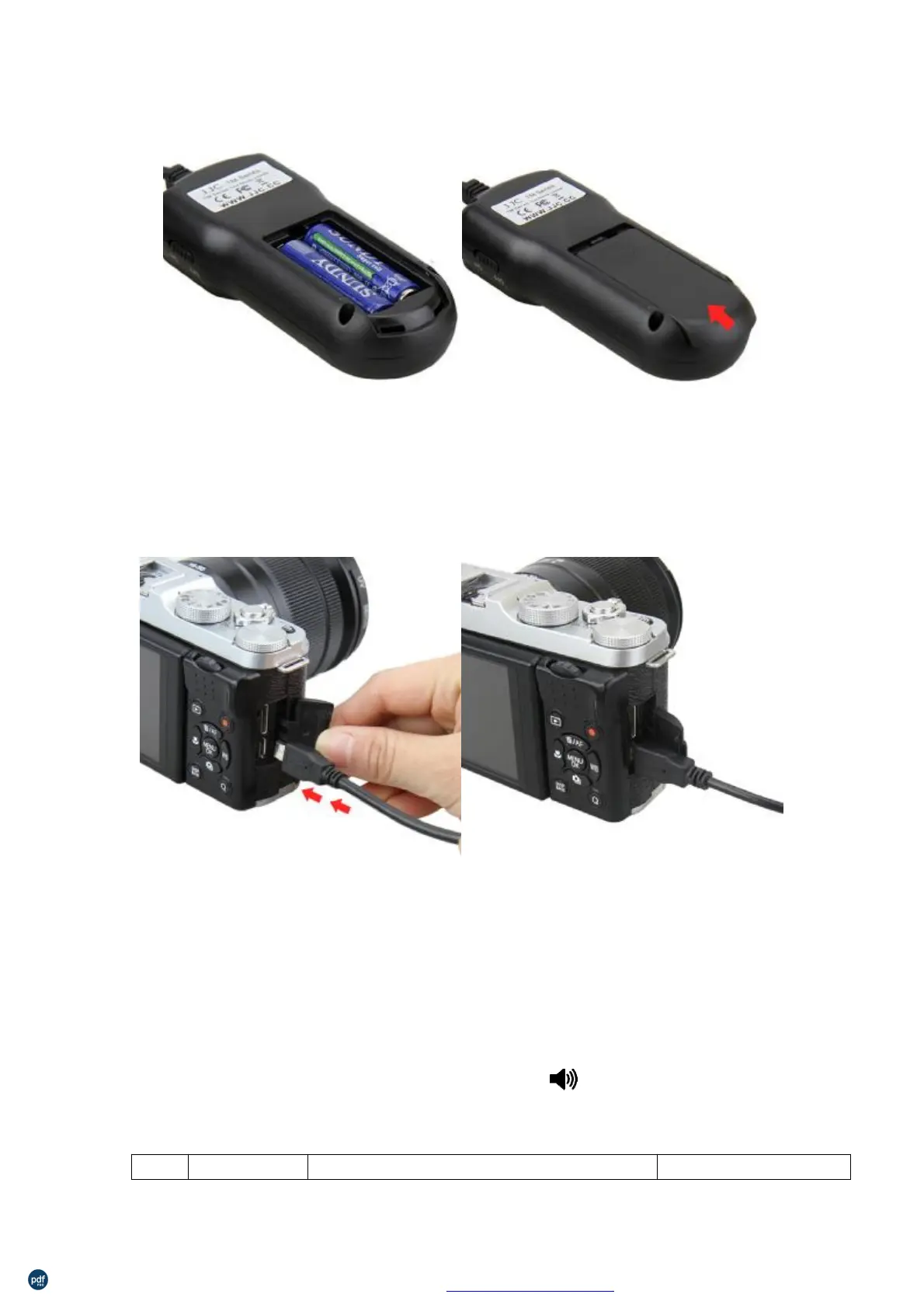
AttachingtheSettoCamera
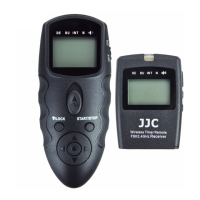
First,turnoffthecameraandsettheTMremote’sPOWERswitchtoOFF.Thenplugthe
endoftheconnectingcordasshowninthepictureintothecameraremotesocket(the
appearanceofthisendmaydifferdependentonthecamerayouuse).
FunctionofButtonsandTheirUsage
l
ON/OFFSwitch
Movethebuttonto “ON”,andtheremotewillbeturnedon;moveitto”OFF”,andthe
remotewillbeturnedoff.
l
FiveIconsAbovetheLCDScreen
Therearefiveicons,namely “DE”, “BU”, “INT”, “N” and abovetheLCDscreen.The
followingcharthasillustratedtheirfunctions.
Icon Function Description SupportedSetting
利用 pdfFactory Pro 测试版本创建的PDF文档 www.pdffactory.com



 To Next Page
 Loading...