DE
Delay/Self
Timer
Justliketheselftimeronyourcamera,theTM
remoteallowsyoutosetanydelay(in1
second increments) up to 99 hours, 99
minutesand99seconds.
0sto99hrs59min59s
BU
BULB/Long
Exposure
Itallowsyoutotakeexposuresupto99hours,
99minutesand99secondsinlength.
0sto99hrs59min59s
INT IntervalTimer
TheIntervalTimercanbesettoanytime
periodupto99hours,99minutesand99
secondsaswell.Forexample,Ifyousetitto
10minutes,oneexposurewillbetakenevery
10minutesuntileitherthefilmrunsoutorthe
ExposureCountlimithasbeenreached.
1sto99hrs59min59s
N
Numberof
Exposures
Thissettingpermitsyoutosetthenumberof
exposuresthatwillbetaken,upto399shots.
1shotto399shotsor
unlimited
Speaker
SpeakerON/OFF
ON/OFF
l
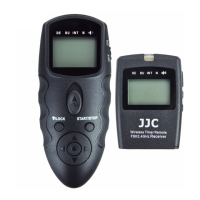
LEDlight/Lockbutton
Pressthebuttonmomentarilytoturnonorturnoffthebacklight.
Pressandholdthebuttonforabout2secondstolockorreleasethefollowingbuttons:
start/stopbutton,arrowbuttonandsetbutton
l
START/STOPButton
Pressthisbuttontostartorstopthetimer.
l
ArrowButtonandSETButton
Usearrowbuttontosetthetimer.Press ◄ or ► toselectanitem, ▲ or ▼ toadjustan
item.Thecurrentselectionisindicatedbytheselectioncursor.
PresstheSETbuttontobegineditingorsavethecurrentsetting.Toviewothersettings,
presstheleftorrightarrowbutton.Andtheselectioncursorwillmoveandindicatethe
currentsetting.
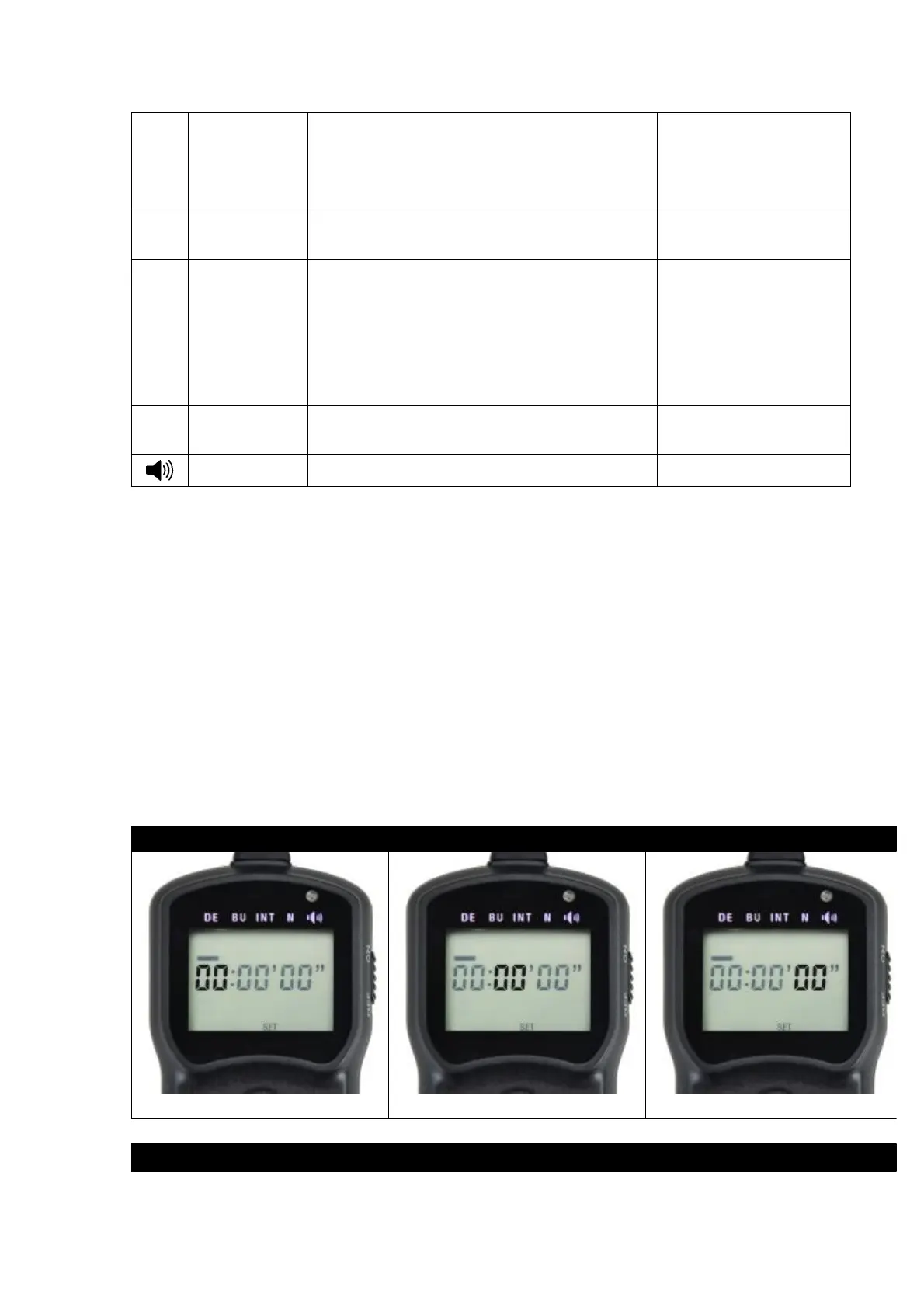
Thefollowingaresettingsteps:
1.(DE)Delay/SelfTimer(Timeuntilshootingstarts)
Hours Minutes Seconds
2.(BU)BULB/LongExposure(ExposureTime)


 To Next Page
 Loading...