6
INSTALLATION
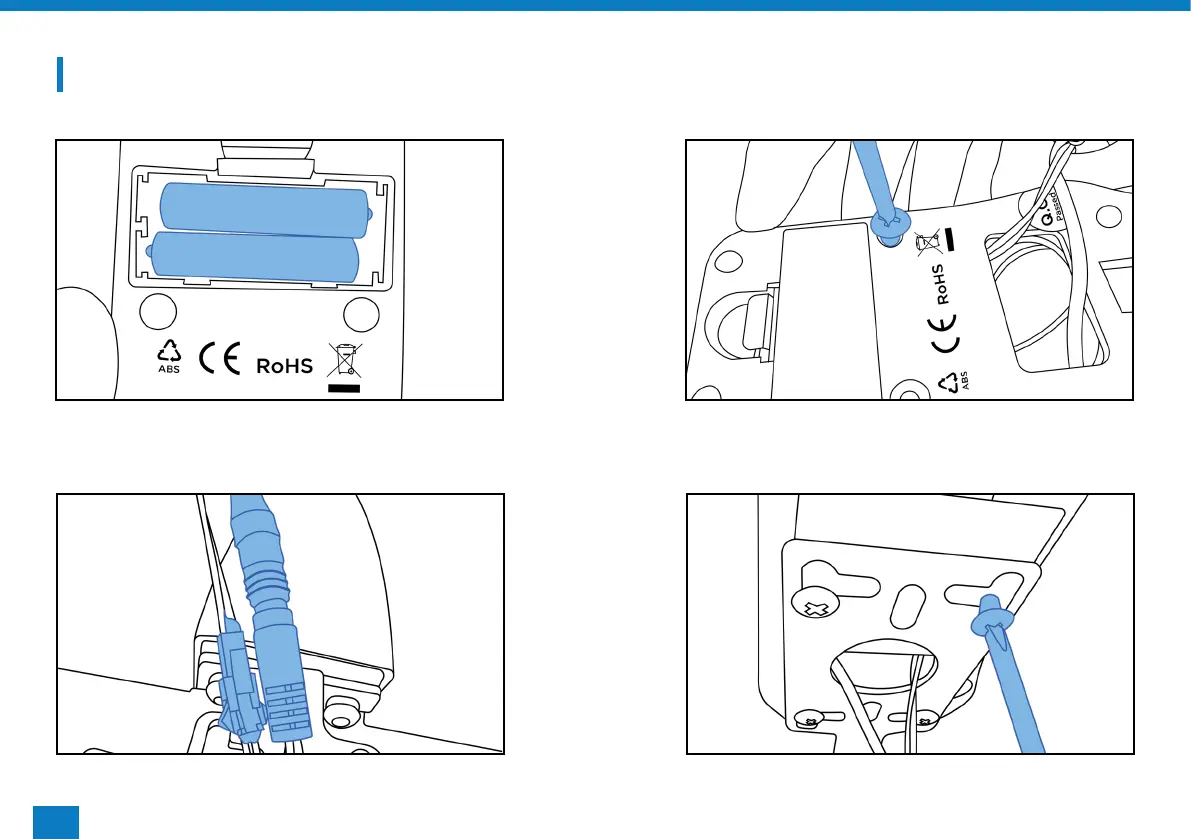
STEP 1 STEP 2
STEP 3 STEP 4
Insert the batteries, making sure they are the
correct way round.
Remove the four screws already in the back of
the monitor.
Connect the male to female wires and pulse wires
from the base to the monitor.
Secure the monitor to the frame using the four
screws removed previously.



 To Next Page