3 / Useful Features
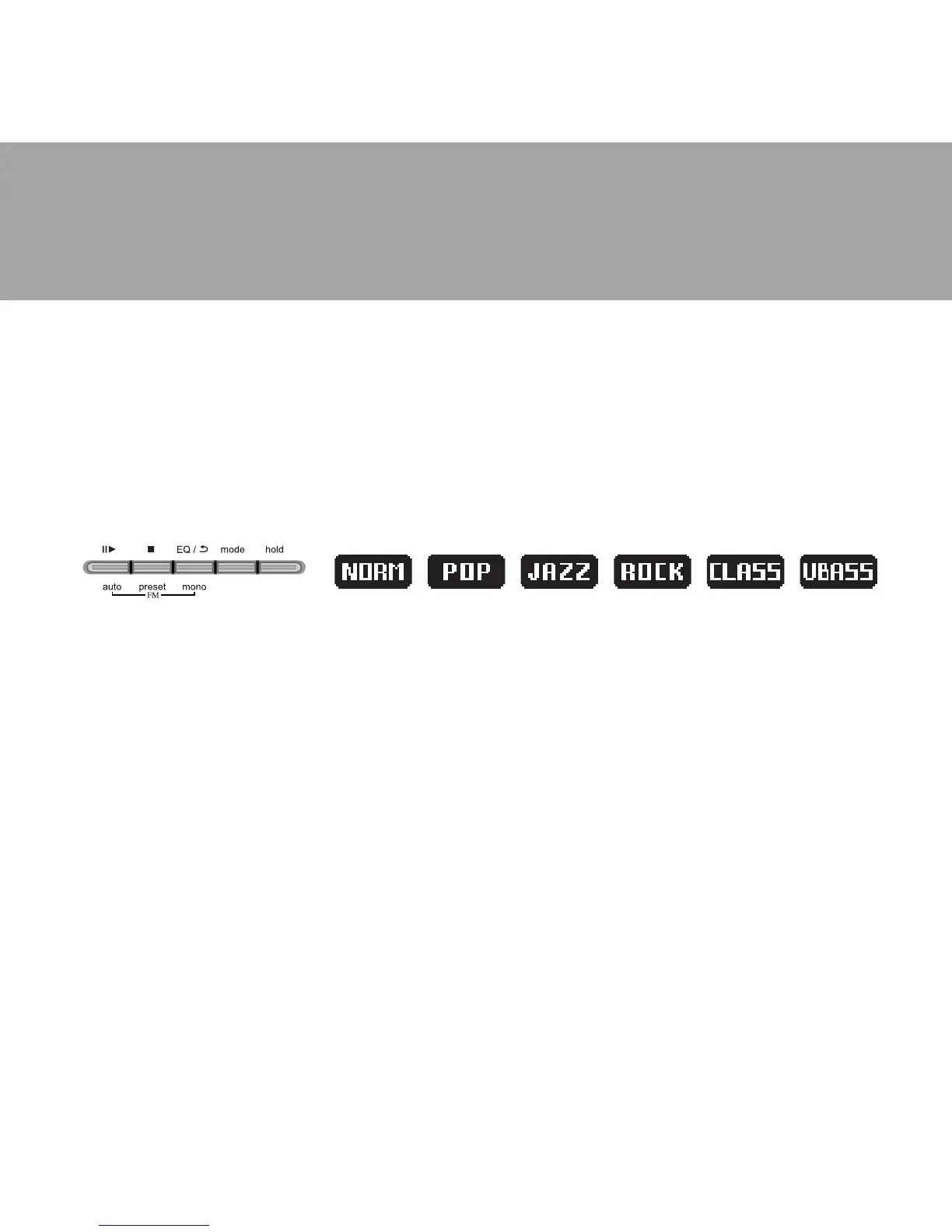
EQ Mode
Press and hold EQ/REPEAT button while playing music to display the
current EQ. Then press EQ/REPEAT button again to scroll the six EQ
modes (Normal, Rock, Classic, POP, Jazz and Ultra Bass). The program will
quit the EQ mode if no consecutive key pressed.
Repeat Mode
Press the EQ/REPEAT button while playing music will toggle different
Repeat mode function.
u Play a single file repeatedly.
u Play all files in the folder and stop.
u Play all files in the folder repeatedly.
u Play all files in the player repeatedly.
u Randomly play all files in the player repeatedly and stop.
u Randomly play all files in the folder repeatedly and stop.
u Randomly play all files in the folder repeatedly.
u Randomly play all files in the player repeatedly.
u Play the beginning 10 seconds of each file in sequential order.



 To Next Page