11
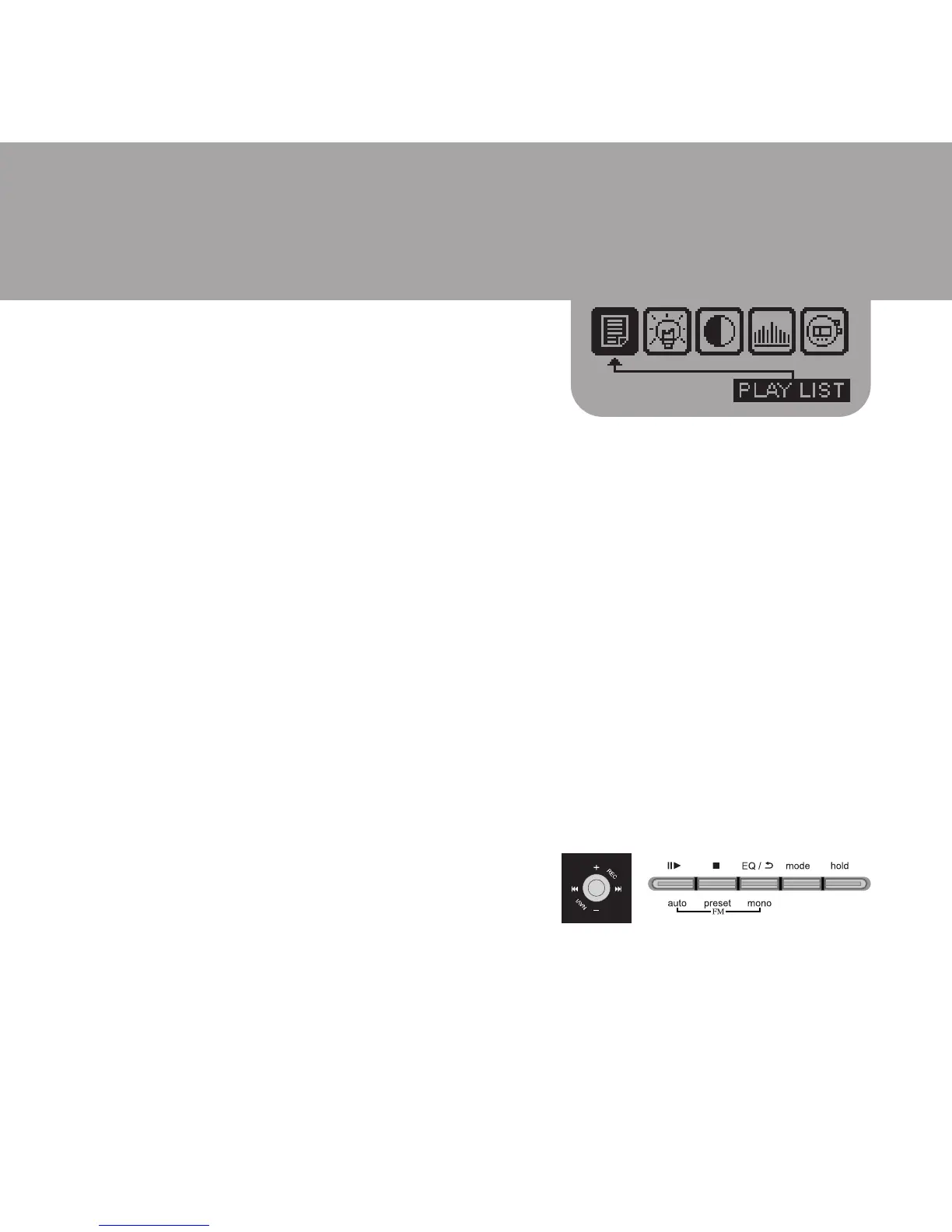
Program Mode - Playlist
In Navigation Mode
u Press 9 or : to select the music file. Then press EQ/REPEAT button,
a number will be displayed adjacent to the song name. Press EQ/
REPEAT button again to confirm, then the number will clear and the
song is stored in the playlist.
u If more than one song is stored in the playlist, before pressing the
EQ/REPEAT button to confirm, you can use 9 or : to change the
playlist order number.
u Then press ;4 to start playing the music according to the programmed
playlist.
u To delete the music file in the playlist, press < button to delete the
program number, a dialogue box will show on the LCD. Then press
VOL+ to confirm or VOL- to quit without deleting the program number.
(Remark: It is not allowed to program the same music file for twice or more.)
Clear Playlist
u To clear the playlist, go to Setting Mode



 To Next Page