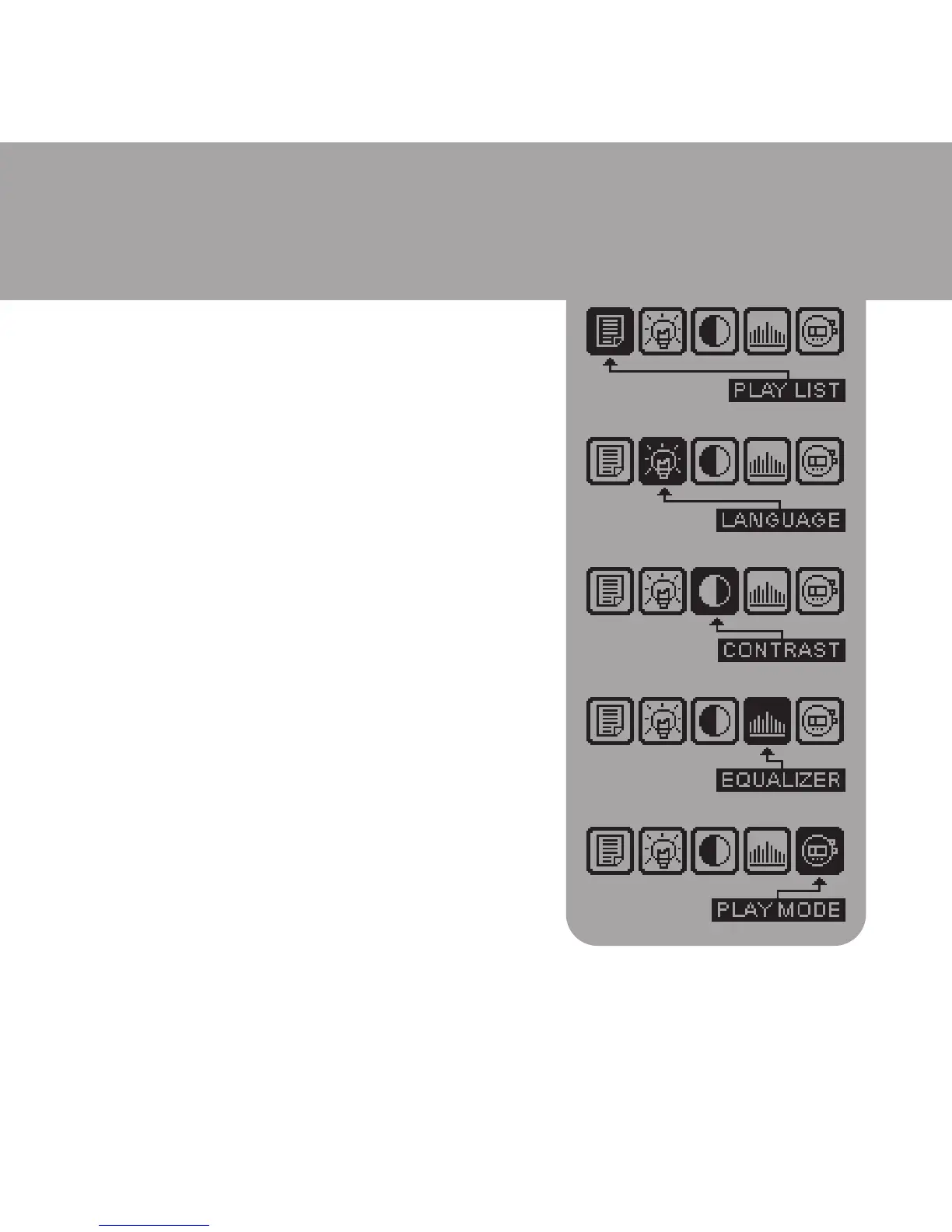
Setting Mode
u Press and hold the MODE button, then
the Setting Mode Menu will be
shown on the LCD.
u Press the 9 or : button to scroll
different setting options (PLAYLIST,
LANGUAGE, CONSTRAST, EQUALIZER
and PLAY mode).
u After pointed to the requested option,
then press VOL+ to confirm this
selection. Press the 9 or : button to
change the setting. Pressing
VOL- again to return to the Setting Mode
Menu.
u Press VOL- to quit the Setting Mode
Menu i.e. return to normal
operation.



 To Next Page