-14-
4 OperationGuide
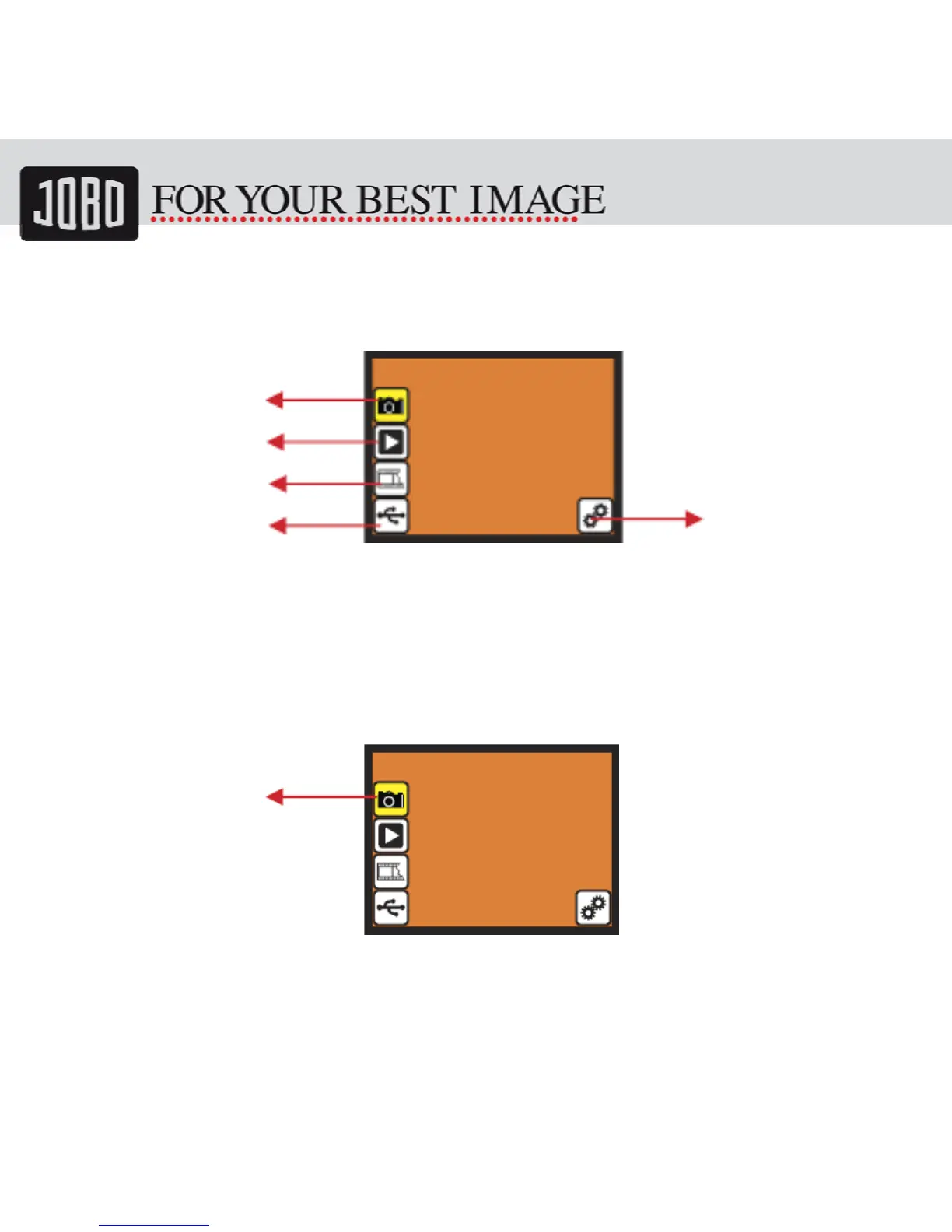
4.1 Home: Main menu
• Capture: capture mode (default)
• Playback: playback mode
• Film Type: define the film type which loaded in cartridge
• USB mode: MSDC (Mass Storage Device Class) mode
• Setting: TV out and format option
5 Capture
After welcome page, above menu will remains for 5 sec. User can press up/down button
for desired menu. Or system will auto enter Capture mode if there is no action during
this 5 second period.
Capture
Playback
FilmType
USBmode
Setting
Capture


 To Next Page