-6-
2 Installfilmintothefilmholder
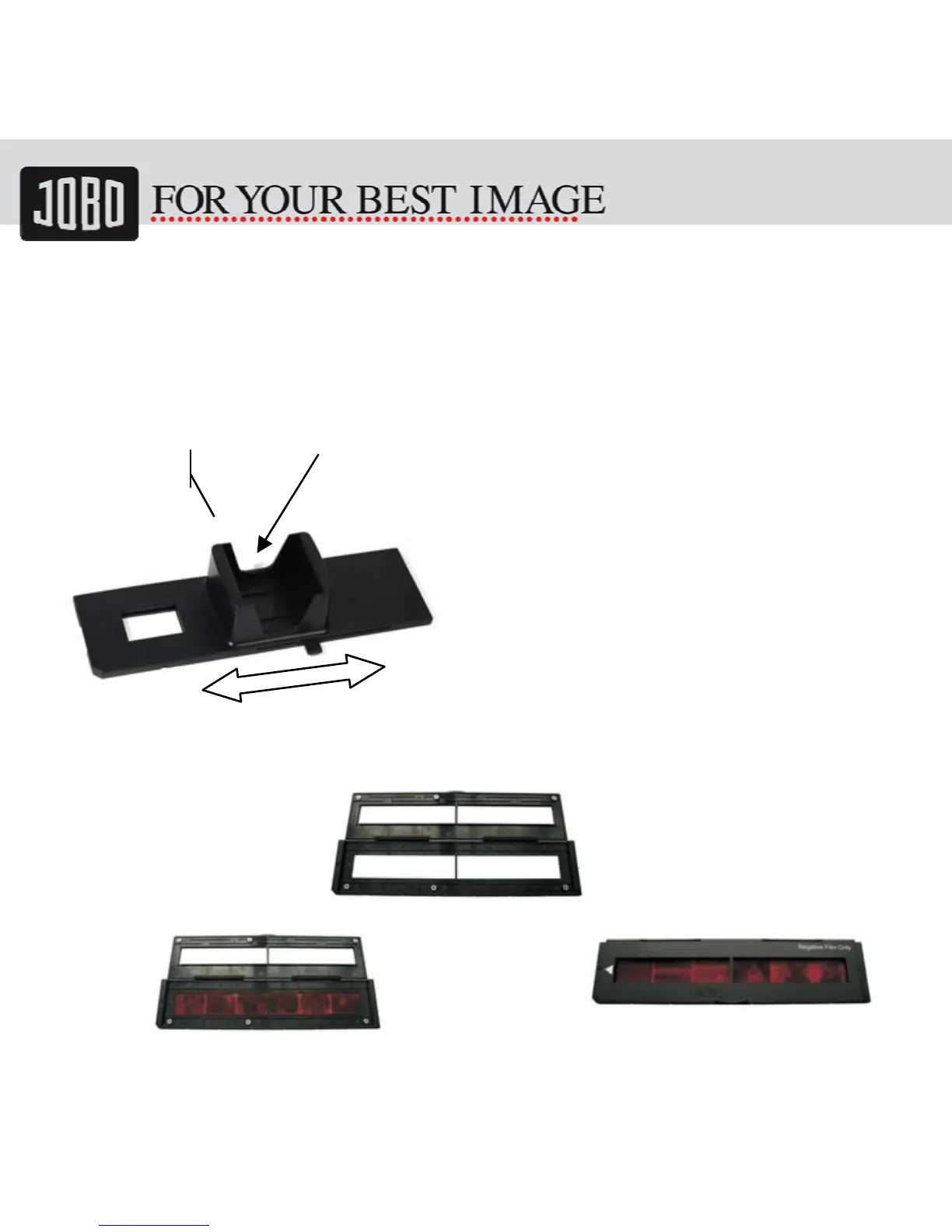
2.1 Insert slides into the rapid slide feeder
1. Put a stack of slides into the feeder
After the slides are placed into the holder
and the holder is placed into the slot of
the scanner (refer to „Quick Start“) the
slides can be slide into the scanner by
moving the holder backward and forward.
The slides are positioned automatically
inside the scanner.
2.2 Install the Negative Film into holder
1. Open the film holder as illustrated
2. Install film into negative film slot 3. Close the film holder
FilmSlot


 To Next Page