-5-
Note
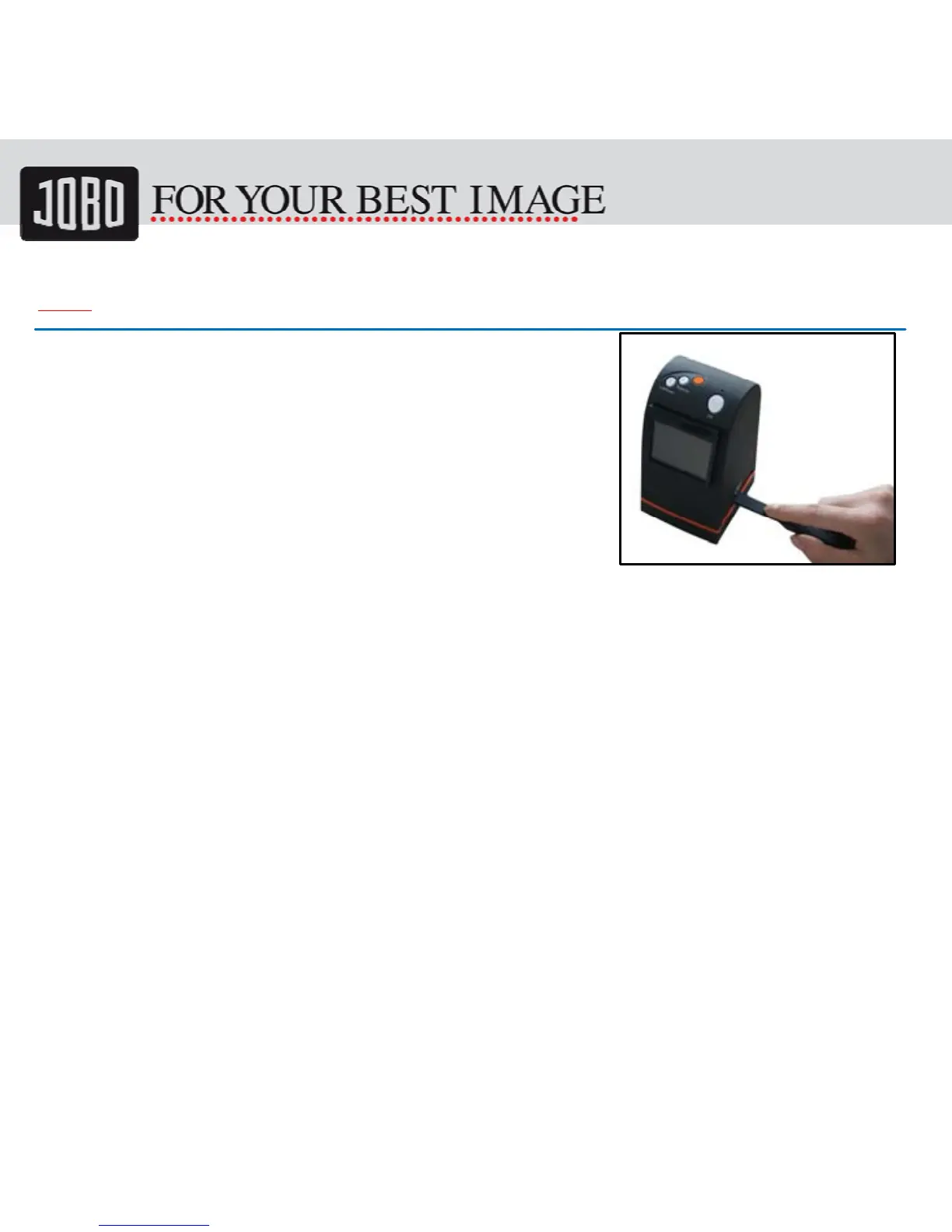
We strongly suggest using a clean, dry, non-alcohol
cotton swab to clean the glass surface periodically
to produce a clear image during operation.
Clean dust from Film Scanner back light, to use the
clean brush to wipe the dust.
Dust or dirt from the negative, slide films and cover
trays may affect the scanned image quality, please
make sure the materials are cleaned before inserting
into the scanner.
Please find recommend, processional purger from photo store to clean the dust on
films if any to avoid damaging the only one copy of old films.


 To Next Page