-27-
6 FilmType
Film Type
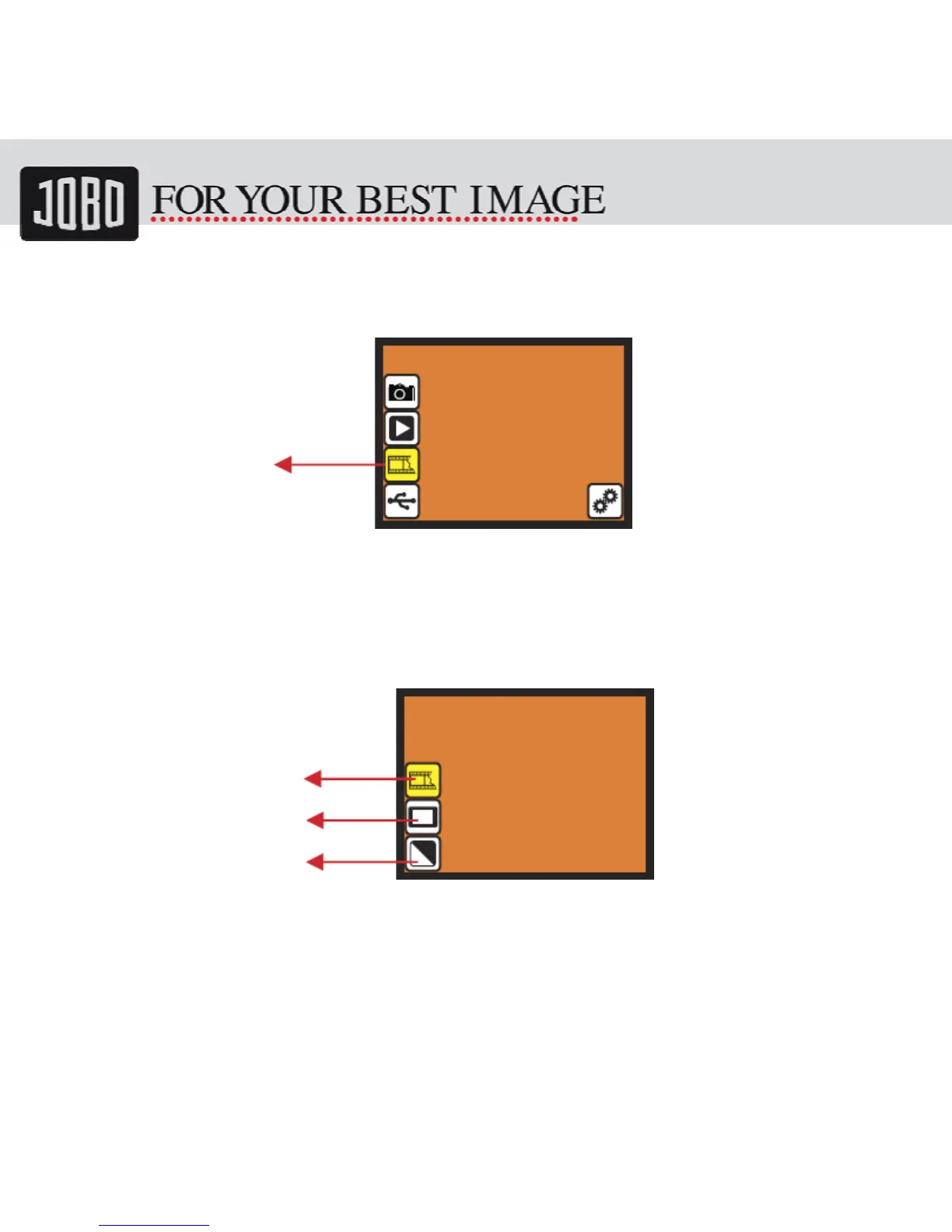
Change film type definition by enter Film Type menu when power on SnapScan 5000 or
access the main menu by Home icon if during operation. Press down button for Film
Type and press OK to confirm.
6.1 Film Type: Select Film Type
• Negative film: select Negative film when cartridge loaded with negative film
• Slide: select Slide type when load slide in holder
• B&W film: select B&W when cartridge loaded with Black&White negative film
Slidefilm
B&WNegative
ColorNegative
film


 To Next Page