-20-
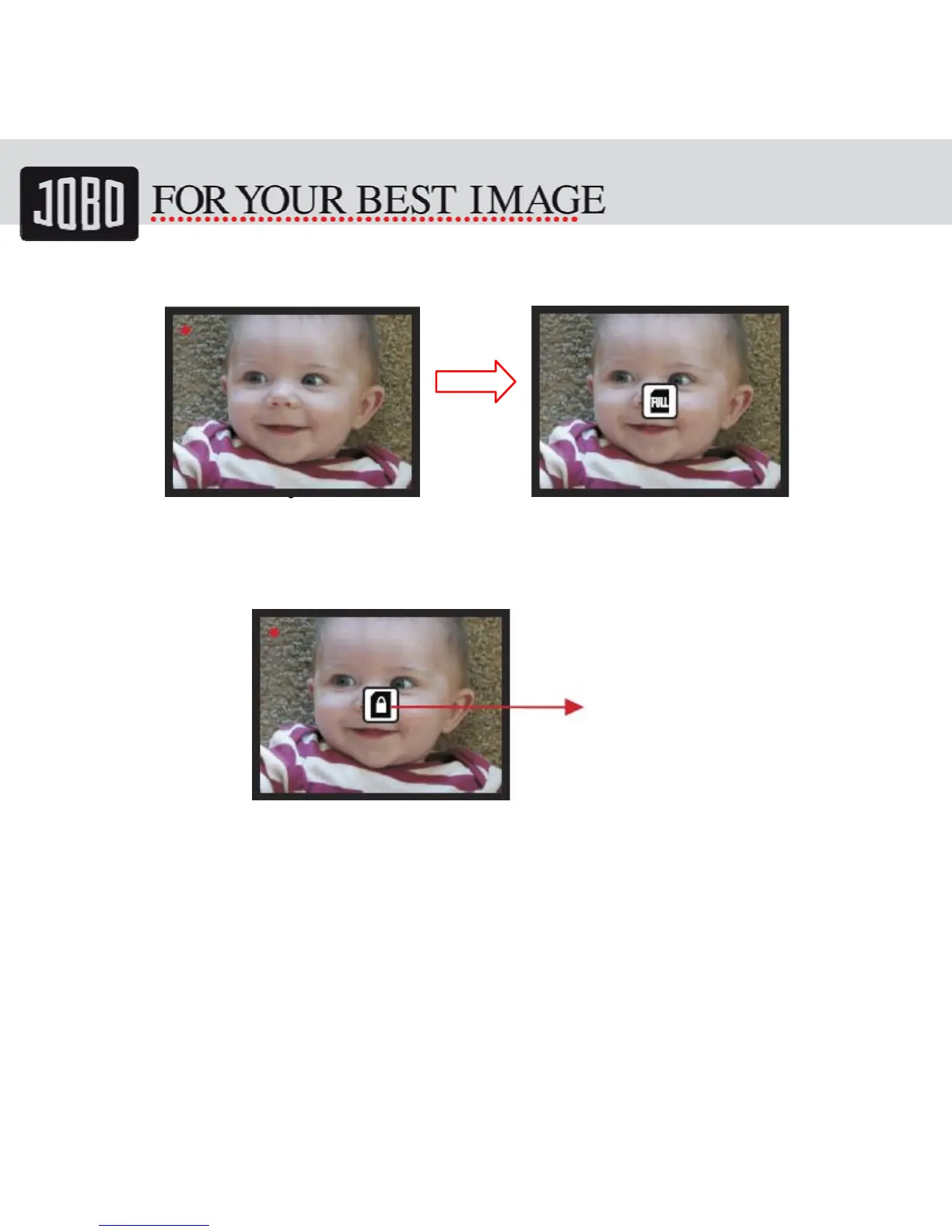
5.10 Memory full
Once the internal memory or SD card is full, user can see a SD card full once press OK
button. User has to down load the images to PC or replace another SD card for continue
capture.
5.11 SD card locked
If the SD was locked, once press the OK button, a SD Card locked icon displays on screen.
Please do slide the switch of SD card to unlock before insert into device.
OK
SDcardlocked
indicator


 To Next Page