-25-
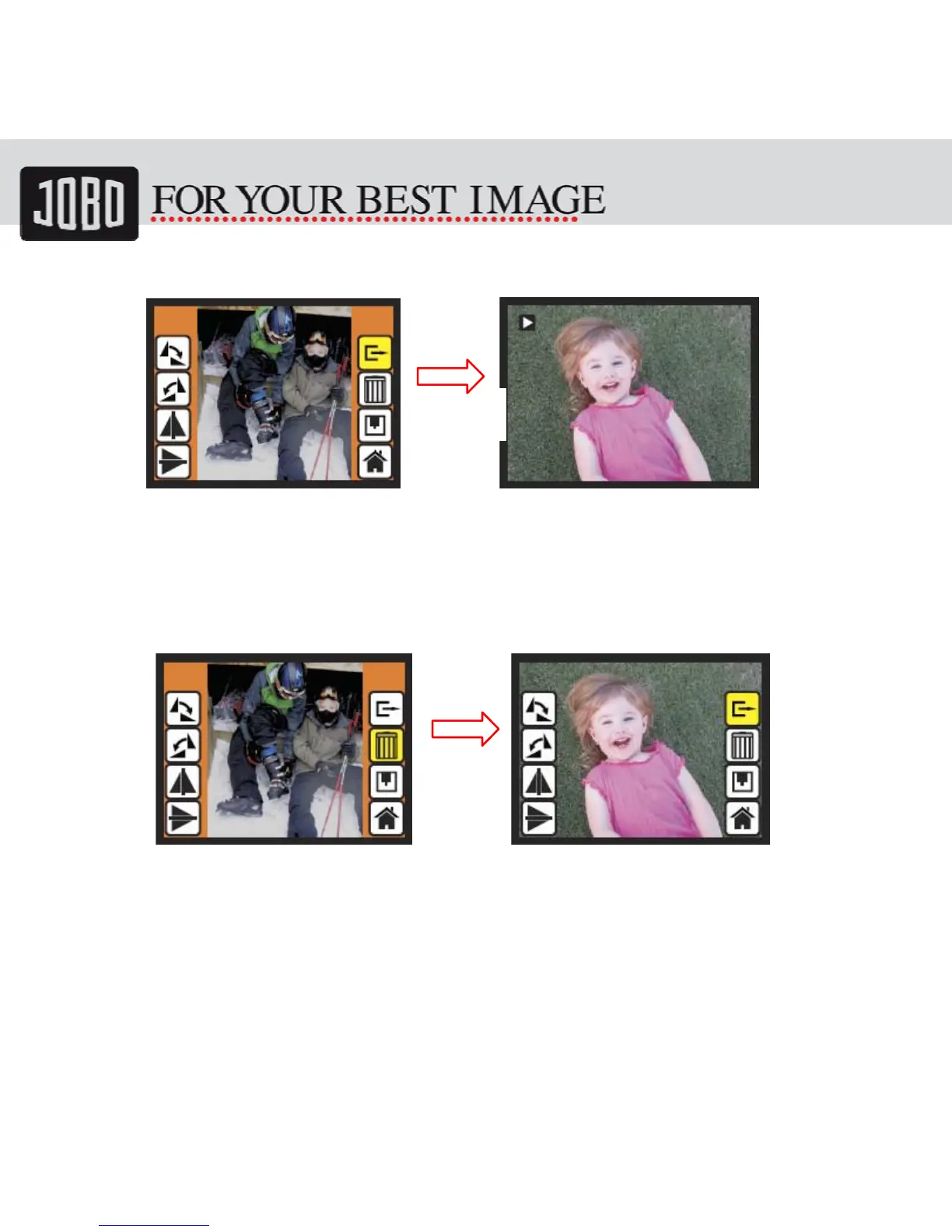
5.19 Playback: Exit
Once user select the EXIT function in edit menu, the display will go back to slide show
starting with the current picture in internal memory or SD card without saving any
change of present picture
5.20 Playback: Delete
Delete will delete the present selected picture and next picture will be shown (N+1).
Cursor goes to Exit icon. If user intend to process continuously delete, just move to
delete icon again and press OK to confirm.
OK
OK


 To Next Page