USING YOUR CERAMIC HOB
USING THE TOUCH CONTROLS
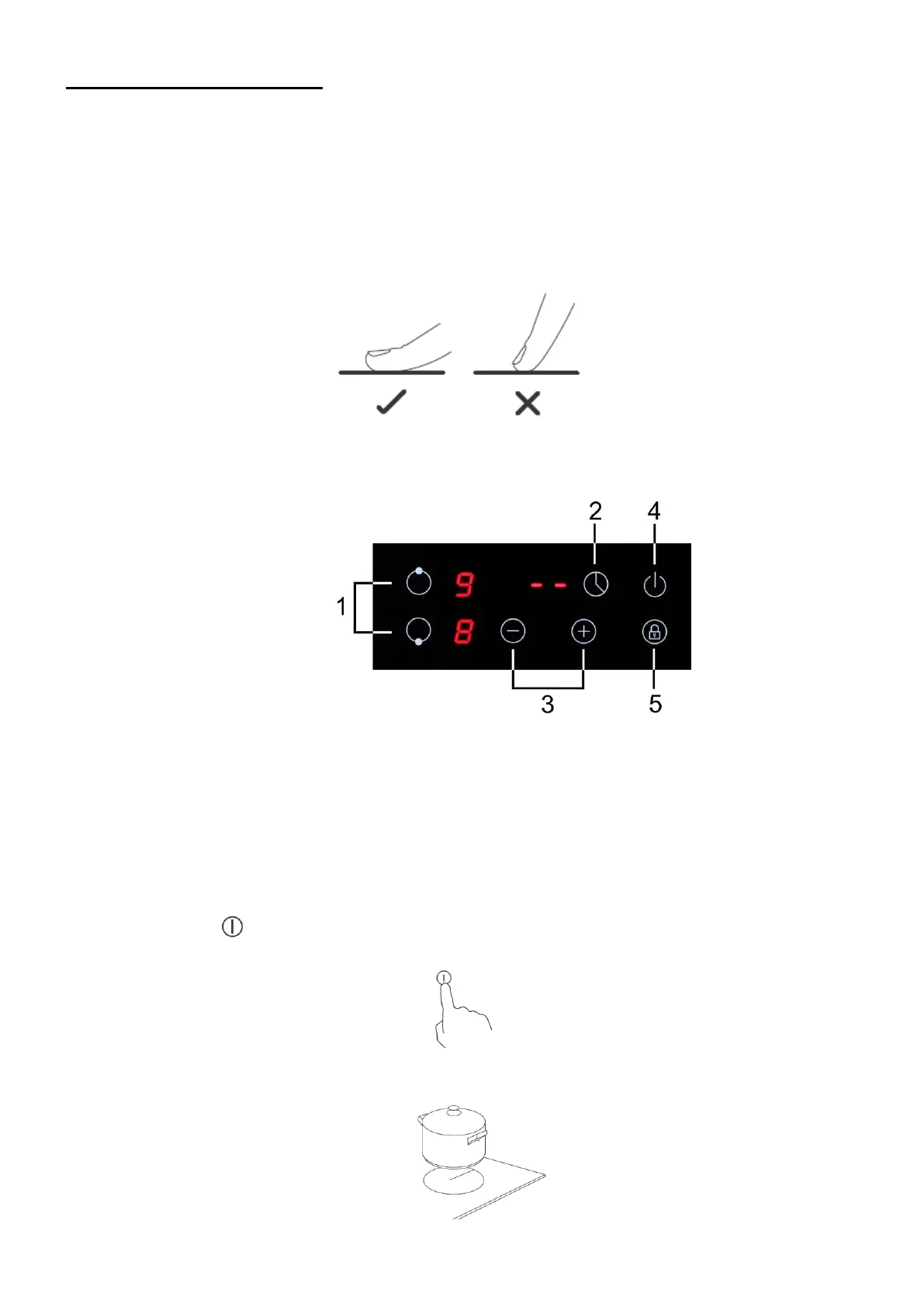
• The controls respond to touch, so you don’t need to apply any pressure.
• Use the ball of your finger, not its tip.
• You will hear a beep each time a touch is registered.
• Make sure the controls are always clean, dry, and that there is no object (e.g. a utensil or a cloth) covering
them. Even a thin film of water may make the controls difficult to operate.
Control Panel
TO START COOKING
1. Touch the ON/OFF control.
After power on, the buzzer beeps once, all displays show “ – “ or “ – – “, indicating that the induction hob has
entered the state of standby mode.
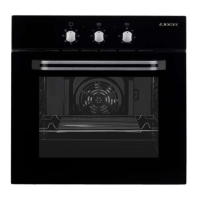
2. Place a suitable pan on the cooking zone that you wish to use.
Make sure the bottom of the pan and the surface of the cooking zone are clean and dry.
-42-
1. Cooking zone selecting
2. Timer Function
3. Power or Timer regulating controls
4. ON/OFF control
5. Key lock control


 To Next Page