Note: See IA-KIT-WD-UUA | Illustra (illustracameras.com) for more
information on the USB cable mentioned in Table 2. IA-KIT-WD-UUA
together with the Illustra Tools application lets users install, configure,
and maintain cameras. Scan one of the QR codes below to access the
application.
iOS Android
Mounting, that includes climbing ladders, installing
com
munications, power, etc. can be hazardous. Only
skilled person(s) should install this device This camera
can be mounted at a distance greater than 2 meters
(6.6 feet) from the floor, there is a risk of Injury if the
camera falls, ensure the camera is secur
Adjusting the camera position
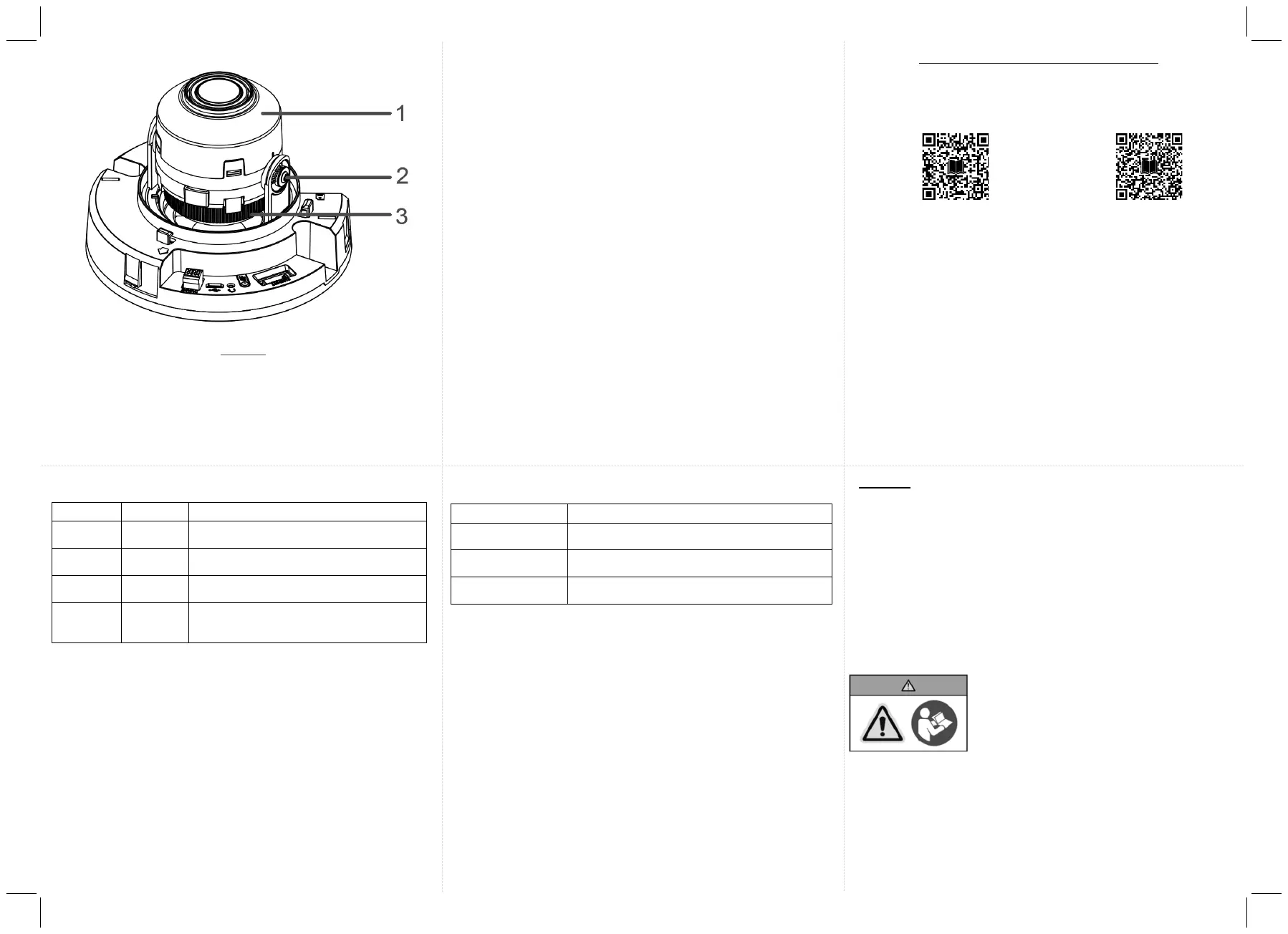
Figure 3
1. Pan: The pan range of the 3-axis gimbal is 0° to 355°.
2. Tilt: The tilt range of the 3-axis gimbal is 0° to 67°.
3. Rotate: The rotate range of the 3-axis gimbal is 0° to
a minimum of
355°.
Table 3: Mounting plate symbols and descriptions
Attach the plate to a North American single
gang electrical box.
Attach the plate to a North American
octagon electrical box
Attach the plate to a North American
double gang electrical box.
Attach the plate to a North American 4 inch
square electrical box
Removing or installing the dome cover
Hold the camera dome (6) (Figure 1) with one hand and rotate the
camera base (2) (Figure 1) to unlock it and remove it from the
dome.
Note: The camera dome includes a ‘lock’ and ‘unlo
assist with the above step.
x Hold the camera dome (6) (Figure1) up to the camera base (2)
(Figure 1)
and rotate the camera dome to securely lock it to the
camera base.
Note: The camera dome includes a ‘lock’ and ‘unloc
assist with the above step.
© 2023 Johnson Controls. All rights reserved.
JOHNSON CONTROLS, TYCO and ILLUSTRA IQ are trademarks and/or
registered trademarks. Unauthorized use is strictly prohibited.
PT01-
Table 4: Applicable Bubble accessories
Illustra Flex Smoked Bubble for Indoor Domes,
Black Trim
Illustra Flex Clear Bubble for Indoor Domes,
White Trim
Illustra Flex Smoked Bubble for Indoor Domes,
White Trim
Warnings
x This product is intended for professional installation, please follow
local wiring regulations.
x To meet EU security immunity
requirements this product should be
used with an Uninterruptable Power Supply to feed the mains input
of any power adaptor.
x The product should be powered by a limited power supply (LPS)
sized according to the product rating label.
x The LAN symbol on the unit means this is not intended for
connection to a public network or a LAN from a different building.
PT01-006062A_FG4-ID-Dome-QSG_A163820G0G_A.en(3-8-23).pdf 2PT01-006062A_FG4-ID-Dome-QSG_A163820G0G_A.en(3-8-23).pdf 2 2023-08-09 10:49:452023-08-09 10:49:45


 To Previous Page
 Loading...