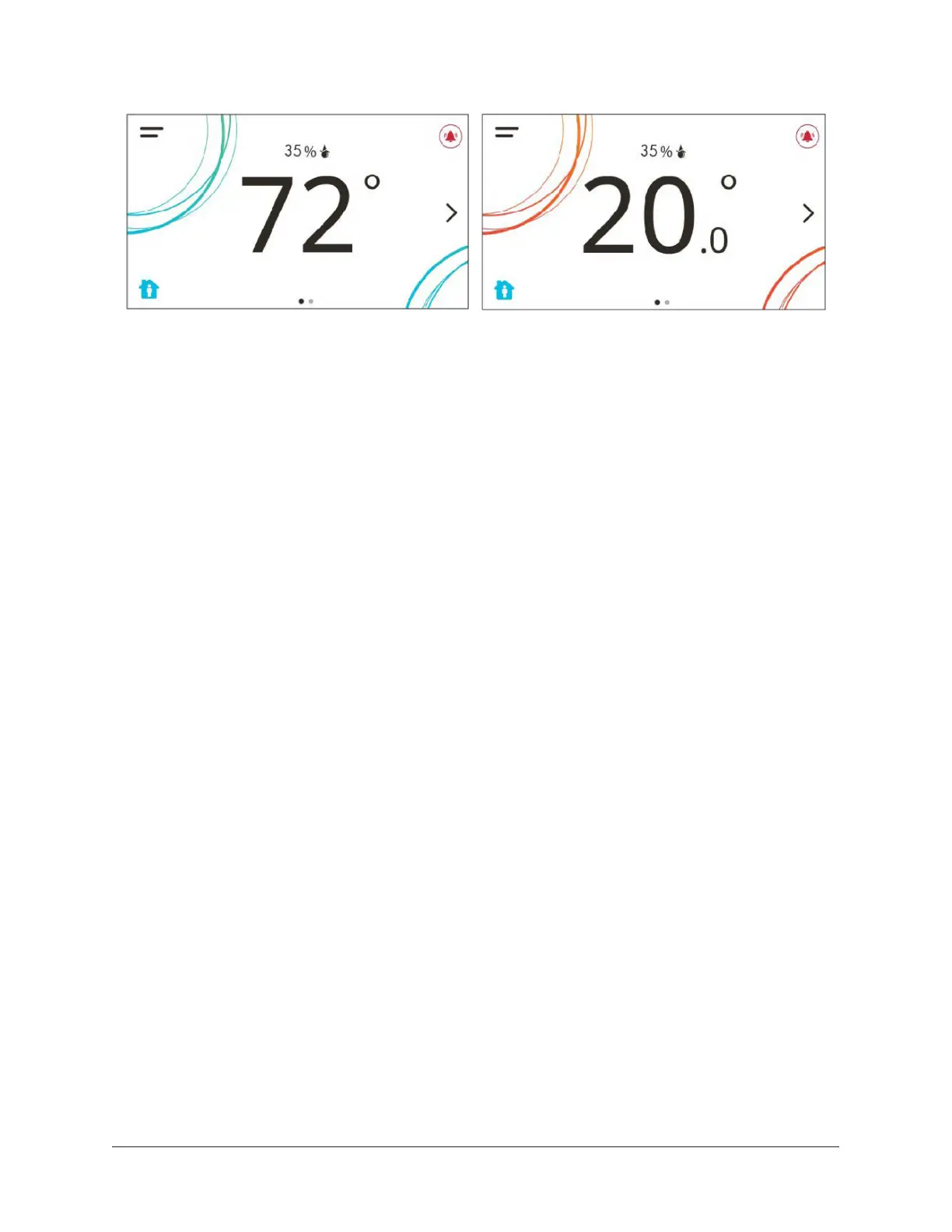
Figure 23: Thermostat controller home screen in cooling mode (left) and heating mode (right)
Customizing the home screen
About this task:
Customizing the Home screen settings include:
• Brightness
• Enable Backlight
• Units
• Time
• Time Zone
• Time Format
• Date
• Date Format
You can also show or hide these items on the Home screen:
• Fan Button
• Temperature
• Humidity
• Off Button
• Hold Button
• Setpoint
• Alarms
• Occupancy Status
• Unit Status
• Date/Time
To customize the Home screen:
1. Press the Menu icon.
2. Press Display Settings.
19TEC3000 Series On/Off or Floating Fan Coil Thermostats Installation Guide





 To Next Page