16 Configuration Guides—XT-9100 Configuration Guide
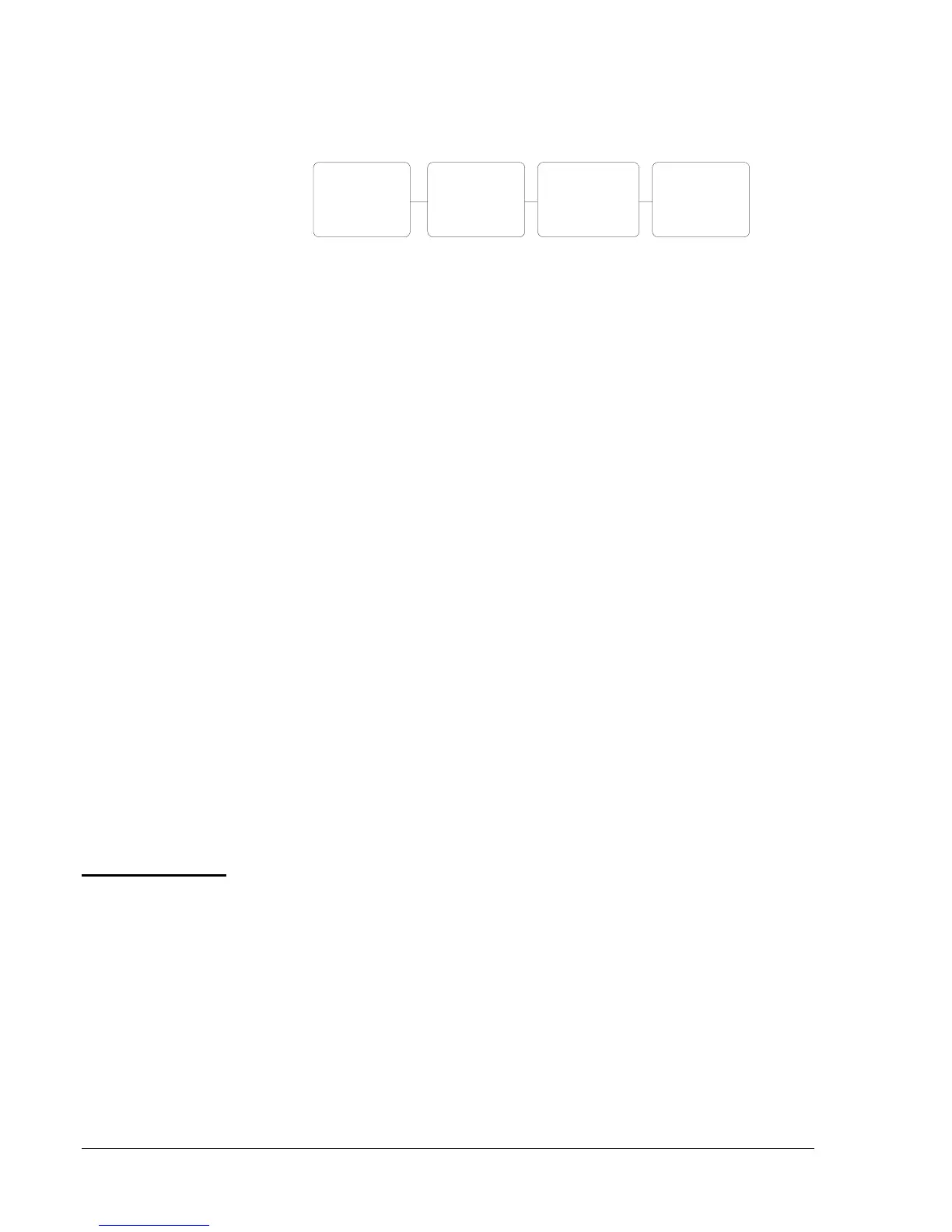
The digital input transitions of XP1 are counted as follows:
Digital
Input
DIn
Prescale
PCn
Count
Transition
Pulse
Counter
CNTRn
(RI.09) (RI.48-55) (RI.32-39)
emcmxt-3
Figure 3: Counter Prescaler
A count transition occurs when the number of positive transitions of the
digital input (DIn) equals the value of the prescaler (PCn). The Pulse
Counter (CNTn) counts the count transitions (n = 1-8).
Note: Counters are only available in the XP1 location.
Via the GX Tool
Select XTn, DIn, then Data. At the “Prescaler (counts)” field, enter from 1
to 255. When the XT-9100 is connected to a DX-9100 Controller the total
counts can be read on the DX-9100 front panel.
Via the SX Tool
Enter the prescaler at Item PCn (RI. 48-55) within the range 1-255.
1. When the XT-9100 is connected to a DX-9100 Controller, you can
view the DI status and counter values from the DX-9100 front panel.
See the Display Panel and Keypads section in the DX-9100 Extended
Digital Controller Technical Bulletin (LIT-6364020).
2. The status of the digital inputs can be seen at Item DIS1 (RI.09), bits
X1-X8, and Item DIS2 (RI.10), bits X1-X8.
Each analog output is defined and configured by the following parameters:
• Tag name (GX-9100 only)
• Output type
When the XT is connected to a DX-9100 Controller, the following
parameters are defined in the DX-9100 for the analog output:
• Source
• Range
DI: Counter
Prescaler
DI Notes
Analog Output
Configuration



 To Next Page