08
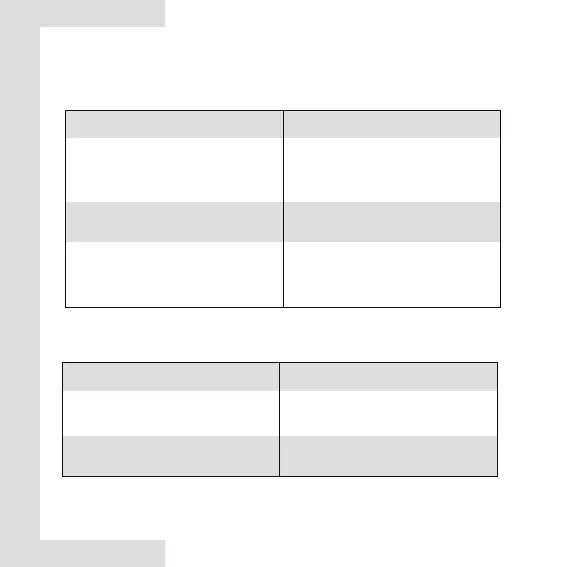
SW1 State Function
Press the button twice in
succession 5s after the module
is powered on.
Upgrade the USB flash
drive (if connected).
Press and hold the button for 5s.
Press and hold the button for 5s.
2) SW functions
● Function summary of the SW1 button
Press and hold the button for 15s.
Restore factory settings (clears
the Bluetooth connection
information).
SW2 State Function
Press the button twice in
succession.
Export the fault record and test
run data to the USB flash drive.
Press and hold the button for 5s.
Stop upgrading.
● Function summary of the SW2 button


 To Next Page