12
8 UPGRADING THROUGH USB FLASH DRIVE
1. Function description
● The Bluetooth module is capable of upgrading its own
software or the connected ODU software through the use
of a FAT32 USB flash drive.
● Make sure that there is only one BIN file in the USB flash
drive before beginning the upgrading.
● The Bluetooth module will automatically identify the type
of the BIN file and upgrade the corresponding device. (If
the firmware of the ODU connected with the USB flash
drive is upgraded, the connected ODU programs upgrade
automatically.)
2. Upgrading procedure
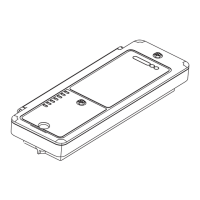
● Open the cap of the Bluetooth module and insert the USB
flash drive into the USB port. LED6 turns on when the
USB flash drive is connected to the module.


 To Next Page