Get The COM port number after
plugged the Configuration cable
Refer to the manual《JT600
Mini-USB Cable Driver
InstallationV1.2.pdf》
Click it, and Connect to PC
Click it ,Pop-up a window shows all
commands reply message
Click it, and Get all Basic
information
You need to set the Another name
firstly. Or it shows blank
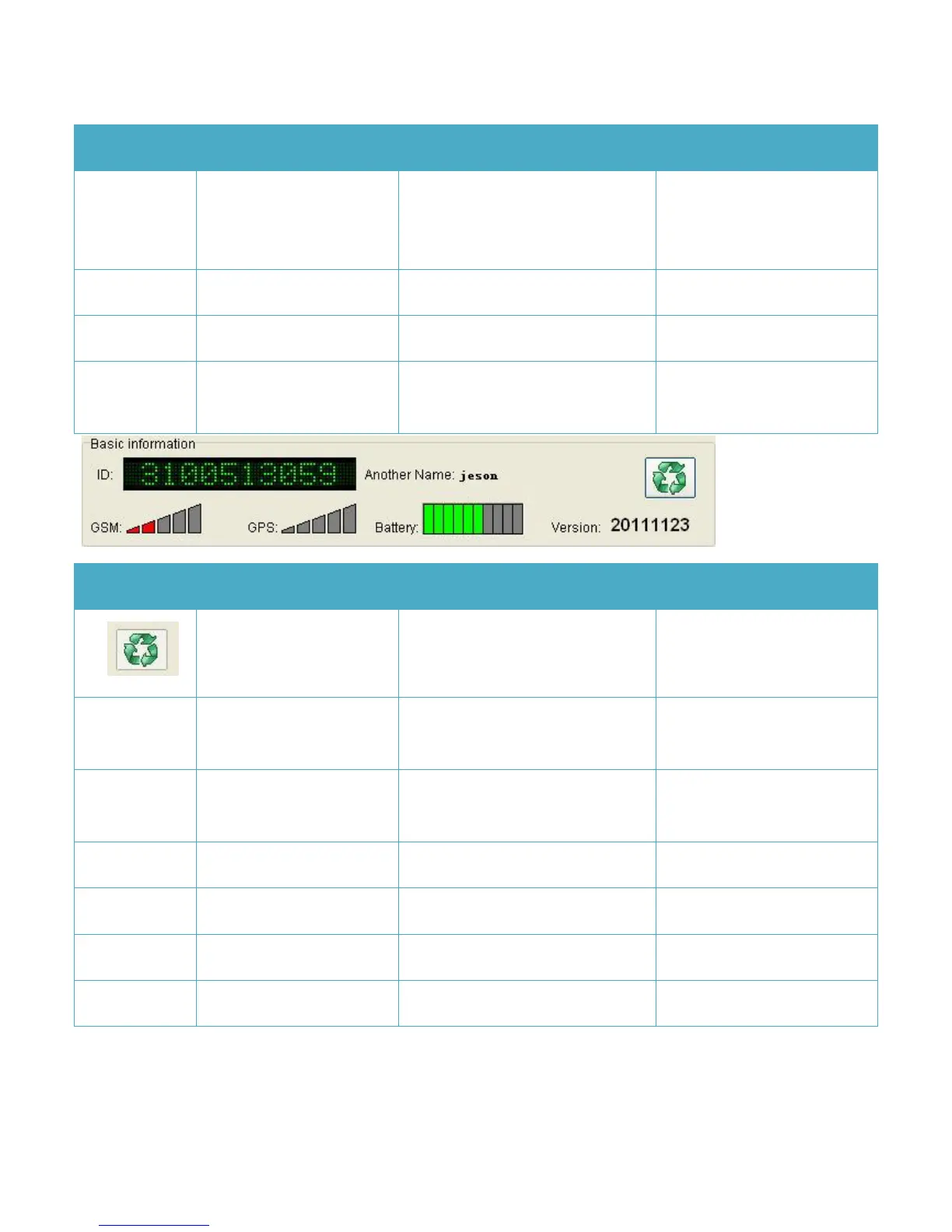
10 digit numbers. It’s the unique ID
of this unit
Indicates GSM signal Strength
Indicates GPS signal Strength
Indicates Charging status of Battery


 To Next Page