03
6.Headphones and Speaker
JOLIKE MP3 Player only support Headphones with impedance16Ωor32Ω. Built-in
Speaker could be turn OFF, see “Settings”.
Operation of main functions
1.Music
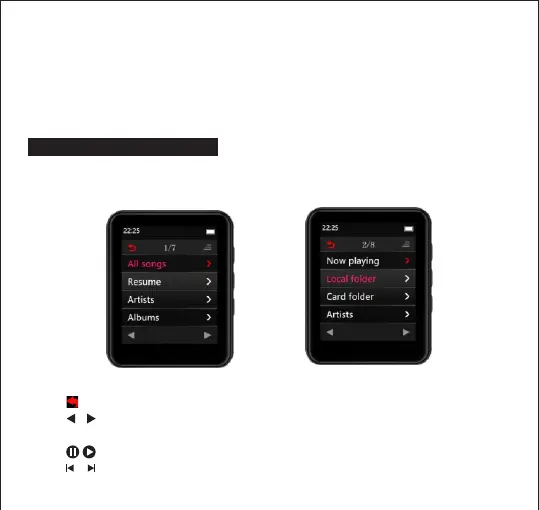
Touch the “Music” on main interface to access to its function. A related list will show as
follows:
(Without TF card insert)
(With TF card insert)
Touch back to to exit.
Touch to select each option from menu list
Touch “now playing” to enter the playing interface of the song being played as follows
Touch button to play / Pause
Touch / button to start to play the last song/Next song
7.Reset
Poke the reset hole with a thin needle to restore the device to factory settings.



 To Next Page