06
TF card, there will have “Local folder” and “Card folder ” listed on the Movie menu ).
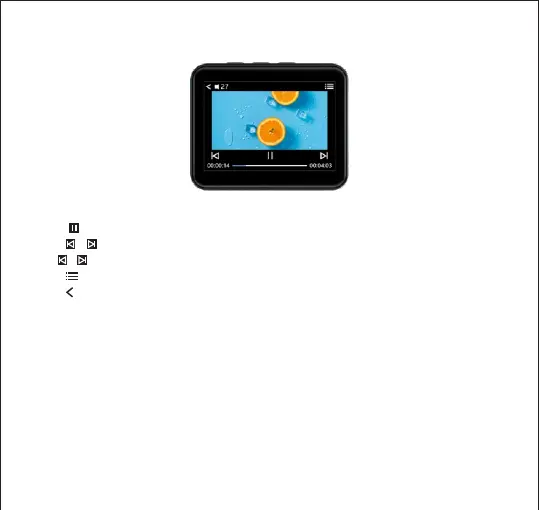
While Playing Video
Touch button to play / Pause
Touch / button to start to play the last video/Next video
Hold / button to Rewind / Fast forward the currently playing video
Touch button enter to video playing settings menu.
Touch to return
Remark:
The Video format supported AMV/ AVI only
Video resolution size:128*160.
To get video conversion tool please visit our website:
http://www.jolike.com.cn
3.FM Radio
Touch the “FM Radio” on main interface to access to its function.
A related list will show as follows:



 To Next Page