04
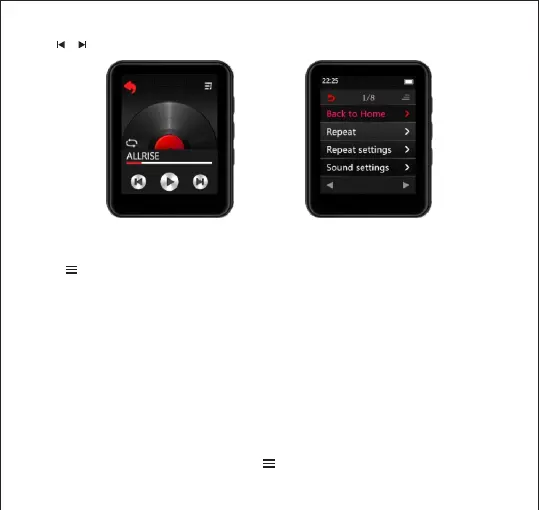
Touch Play mode icon (Sequential Play / Repeat One / Repeat all /Shuffle + Repeat )
to change the play mode
Touch button enter to playing settings menu a related list will
show as follows:
Back to Home
Repeat
Repeat settings
Sound settings
Bookmarks
Delete
Add to playlist
Remove from playlist
How to start A-B repeat play ?
On the music playing interface, touch the button enter to the playing setting menu
Hold / button to Rewind / Fast forward the currently playingsong



 To Next Page