P/N: 89459 (v.A)
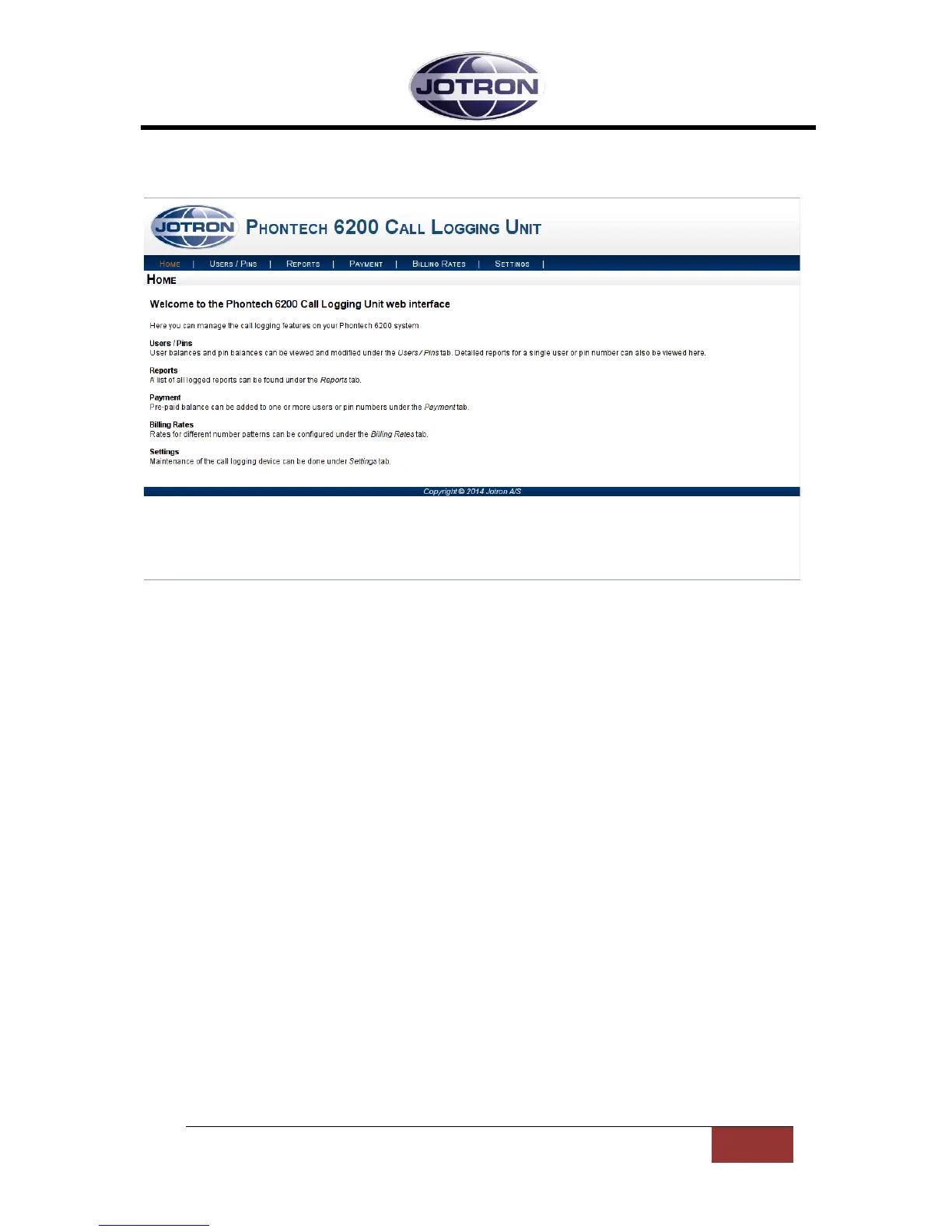
If the correct username and password has been entered, you will be directed to the welcome screen
for the web interface as shown below.
Figure 2 - Phontech 6200 Call Logging Web Interface
This page displays a short description of the different pages that can be accessed on in the web
interface.
1.2 USERS / PINS PAGE
The Users / PINs page displays a list of all the users and PINs in the system. This is also the gateway
to see call records for individual users or PINs.
1.2.1 USERS
The first part of the page lists all the users (a user is a single extension) that are configured on the
system as well as the balance on their current account. The list can be navigated in by either using
the search box in the top right of the list or by using the arrows or page numbers at the bottom right
of the list.
All of the users in the user list are automatically configured when users are added or removed
through the configuration application for the entire system. It is not possible to add or remove users
by other means. The user balances are updated automatically if trunk lines on the system are
configured to use extension based balance tracking.
The right-most column in the user list is a button that will reset the given user’s balance back to 0. At
the bottom of the table there’s a button that will reset all of the users’ balances with a single click.
To see detailed call reports for a single user, click on the extension for that particular user. This will
open the page for this individual user which is further explained in chapter 1.3.


 To Next Page