Revision 1.3 Joulescope JS220 User’s Guide Page 40 / 51
www.joulescope.com
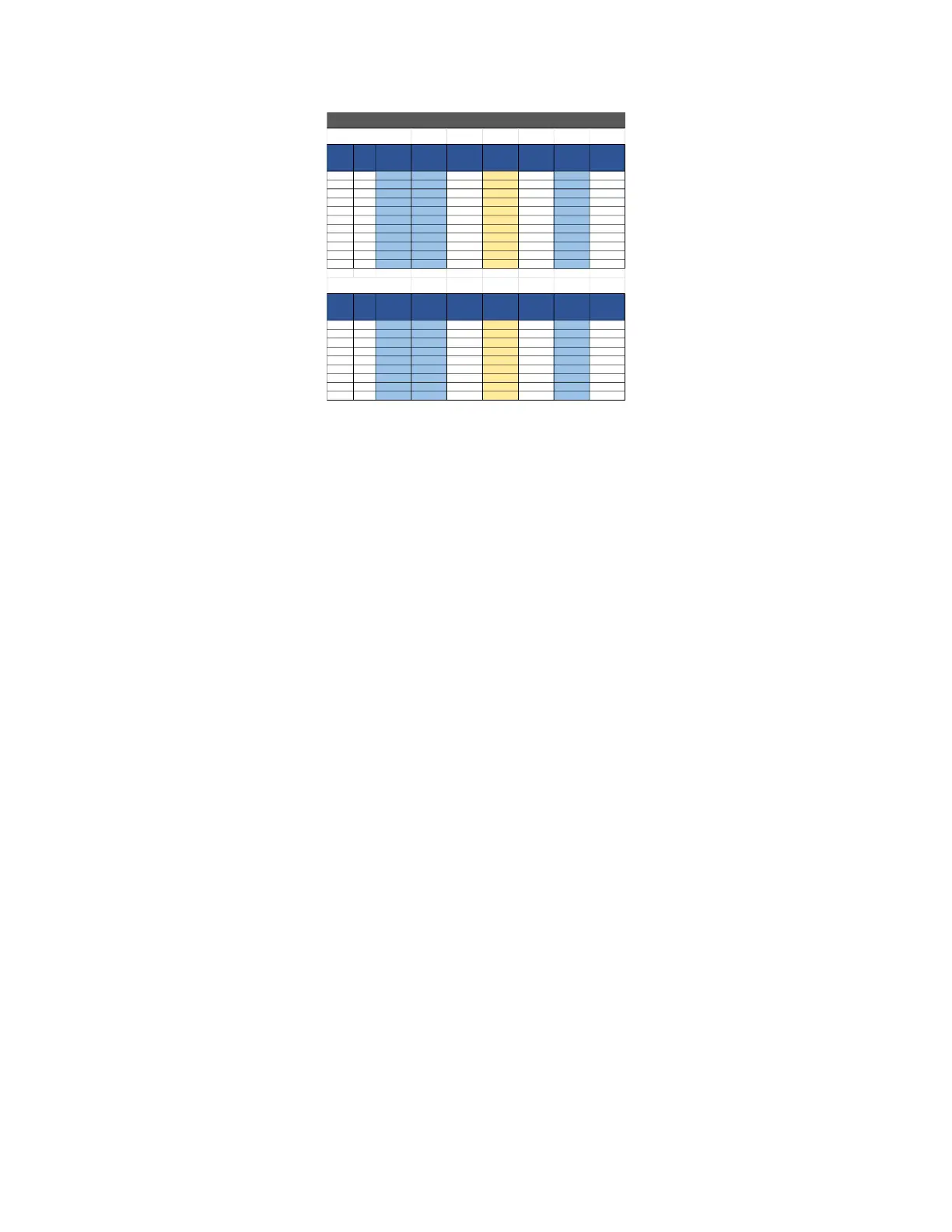
During the test process, you should fill in all light-blue cells with measurement data. All TUR values
should be green. Yellow indicates that the test setup lacks sufficient accuracy. All “As Measured” values
should be green. Red indicates that the Joulescope does not meet specifications.
15.1.3. Current Validation Process
The current calibration process can be performed using several methods. In all cases, the goal is to
generate a current close to the target current. Strict accuracy on the generated current is not required.
However, a reference measurement is required.
The general process is
1. Select the Current Range in the Joulescope UI.
2. Configure the target current.
3. Record the applied current as measured by the reference, reference’s uncertainty at that
current, and the Joulescope’s measured current as displayed by the Joulescope UI.
4. Repeat 2 and 3 for each target current
5. Repeat 1 through 4 for each current range.
-14.500 V 0.010 0.0 -0.010 0.010
-12.000 V 0.010 0.0 -0.010 0.010
-9.000 V 0.010 0.0 -0.010 0.010
-6.000 V 0.010 0.0 -0.010 0.010
-3.000 V 0.010 0.0 -0.010 0.010
0.000 V 0.010 0.0 -0.010 0.010
3.000 V 0.010 0.0 -0.010 0.010
6.000 V 0.010 0.0 -0.010 0.010
9.000 V 0.010 0.0 -0.010 0.010
12.000 V 0.010 0.0 -0.010 0.010
14.500 V 0.010 0.0 -0.010 0.010
2V Range
-1.950 V 0.002 0.0 -0.002 0.002
-1.500 0.002 0.0 -0.002 0.002
-1.000 V 0.002 0.0 -0.002 0.002
-0.500 0.002 0.0 -0.002 0.002
0.000 V 0.002 0.0 -0.002 0.002
0.500 V 0.002 0.0 -0.002 0.002
1.000 V 0.002 0.0 -0.002 0.002
1.500 V 0.002 0.0 -0.002 0.002
1.950 V 0.002 0.0 -0.002 0.002


 To Next Page