Force Feedback Resistance
Steering resistance in Force Feedback mode can be adjusted for personal preference. Choose from
five preset levels of force: F-0, F-1, F-2, F-3 and F-4.
F-0 - Force Feedback is disabled.
F-1 - Minimum Force Feedback.
F-4 - Maximum Force Feedback.
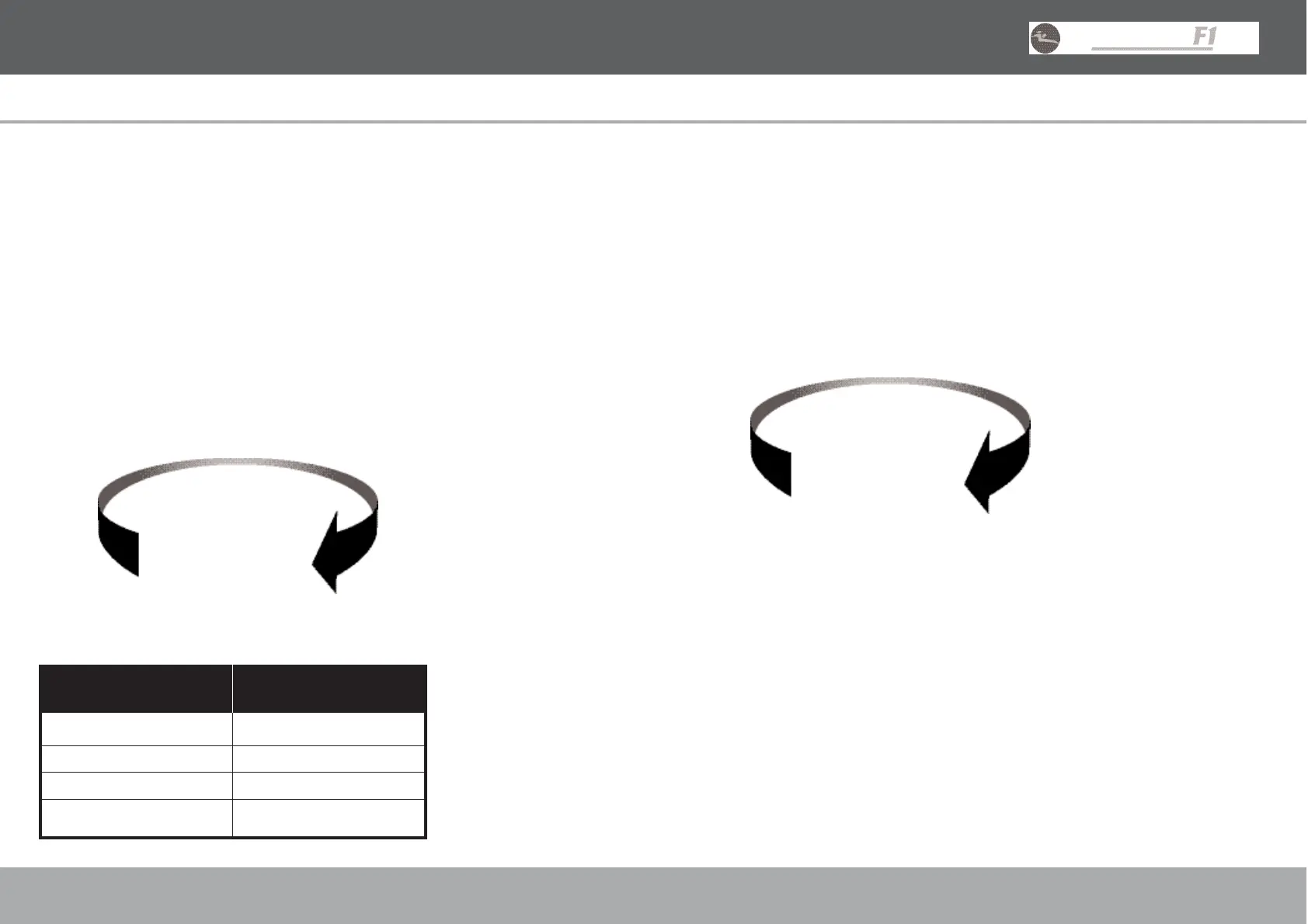
To cycle through the Force Feedback levels, press and hold the ‘MODE’ button and then press and
release the ‘SENS’ button. Each press of the ‘SENS’ button advances the wheel to the next Force
Feedback level. The wheel defaults to F-3.
Function Mapping
The buttons on the Racing Wheel can be mapped (programmed) to different positions. Mapping
allows the Racing Wheel to be quickly customised to suit various driving styles. Any action button
(v, c, z, x, L1, L2, L3, R1, R2, R3) can be mapped to the Wheel Mounted Paddles, the Pedals, or
the Shift-Tronic™ Stick. Mapping should only be done when the game is paused or displaying a game
menu screen.
To program a button, first press and hold the ‘SELECT’ button, followed by the target button and the
source button. For example, to make the L2 paddle function as an ‘X’ button, the following steps
would be used.
1. Press and hold ‘SELECT’. The mode display flashes.
2. Press and hold the L2 Paddle.
3. Press ‘X’.
4. Release all buttons.
To reset all mapped buttons, press and hold ‘SELECT’ and press ‘RESET’. All buttons return to their
default function when the Racing Wheel is disconnected from the console or the console is turned off.
12
USER GUIDE ENGLISH
Mode Display
The Mode Display shows the Racing Wheel mode and is controlled by the game software.
F – Force Feedback Mode
The game supports Force Feedback.
A – Analog Mode
The game is Dual Shock®2 compatible but does not support Force Feedback.
D – Digital Mode
Some PlayStation®, PSone™ and PlayStation®2 games do not support Analog control so the Racing
Wheel will automatically be set to Digital Mode.
Steering Sensitivity Modes
The steering performance of the Racing Wheel can be adjusted to suit personal preference.
There are four Steering Sensitivity Modes, making the wheel suitable for a variety of driving games.
Pressing the ‘SENS’ button cycles through the different Steering Sensitivity Modes. Each press of the
‘SENS’ button advances the wheel to the next Mode. The wheel defaults to S-3.
11
USER GUIDE ENGLISH
Suggested Steering Driving Genres
Performance Mode
S-1 Formula1 / Indy Car
S-2 Formula1 / Indy Car / Rally
S-3 Rally / Street
S-4 Buggy / Truck
F-2
S-2 S-3
S-1 S-4
F-0 F-4
F-1 F-3


 To Next Page
 Loading...