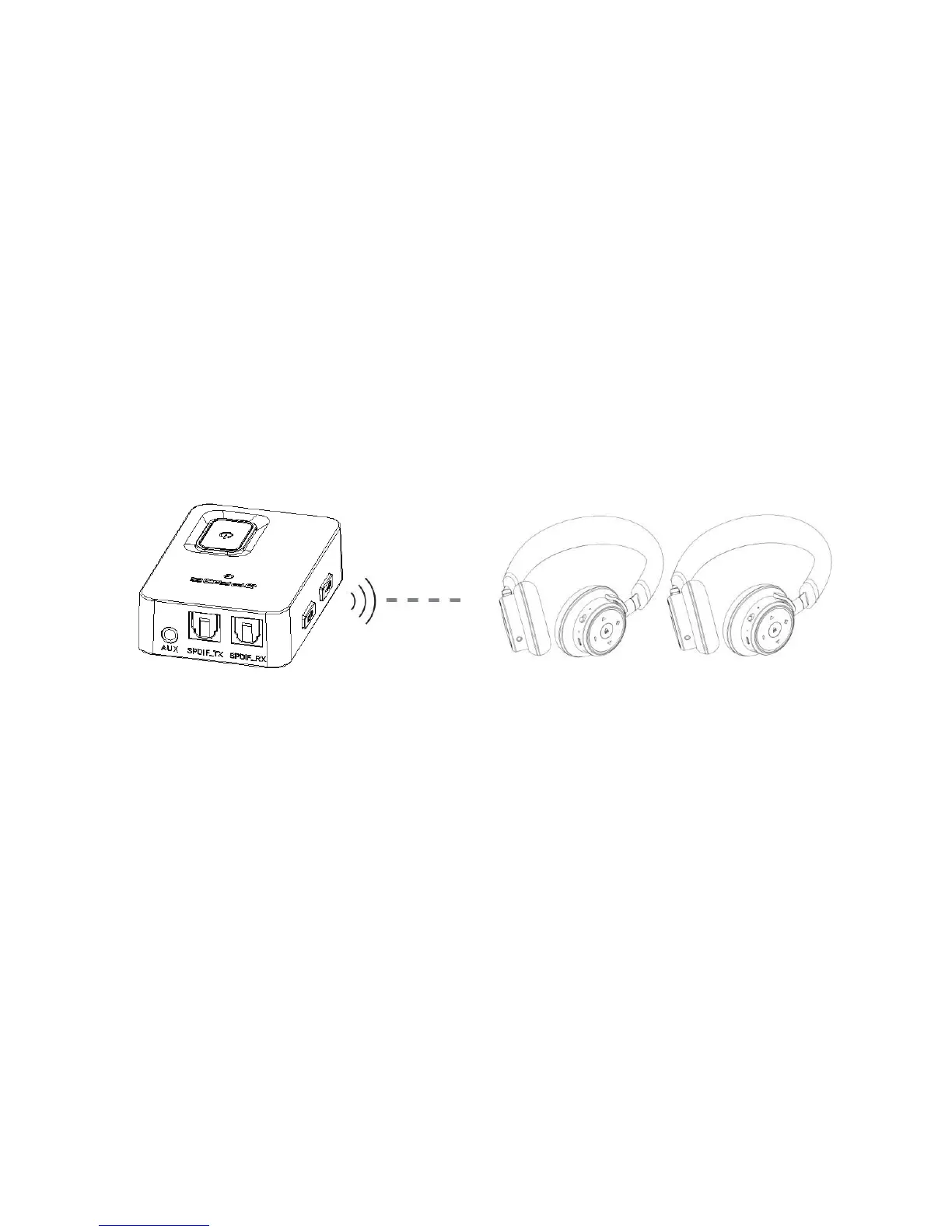
3.2 In TX status connect with two bluetooth devices simultaneously
A.Paired with the first device successfully, then short press the paring button,enter
new paring mode,red and blue LED flash alternately.
B.Make the second device(bluetooth headset, speaker or receiver)to power on and
enter into paring mode.
C.Put
JPT2 together with the second device, wait for 5-30 seconds, after paired
successfully, blue LED blink once then disappeared, that means
JPT2 has connected
with two bluetooth devices simultaneously
Notes:
*If JPT2 can’t connect two devices, please power off then power on again
* When
JPT2 is working as Bluetooth transmitter try to connect with two device
simultaneously, perhaps can’t compatible with all bluetooth devices in the market,some
devices has no sound, discontinuous playing or can’t connect


 To Next Page