3.3InTXstatusconnectwithTV
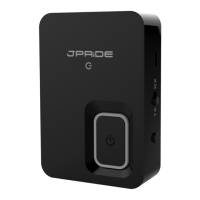
Connect JPT2 with your TV by 3.5mm audio cable or optical fiber, then It can hear the
sound coming from TV in the device which connect with
JPT2
Notes:
*If use fiber optic cable, please insert it into SPDIF TX port of JPT2
*If no sound in the Bluetooth device,please use a wired headset insert to the Φ3.5mm
audio port of TV,check if there is sound coming from the TV
*If you couldn’t here sound of TV by the bluetooth device, please check the audio setting
by remote control, usually TV can set optical fiber, Φ3.5mm audio, one of the speakers in
the TV make sounds, also can set them make sounds simultaneously


 To Next Page