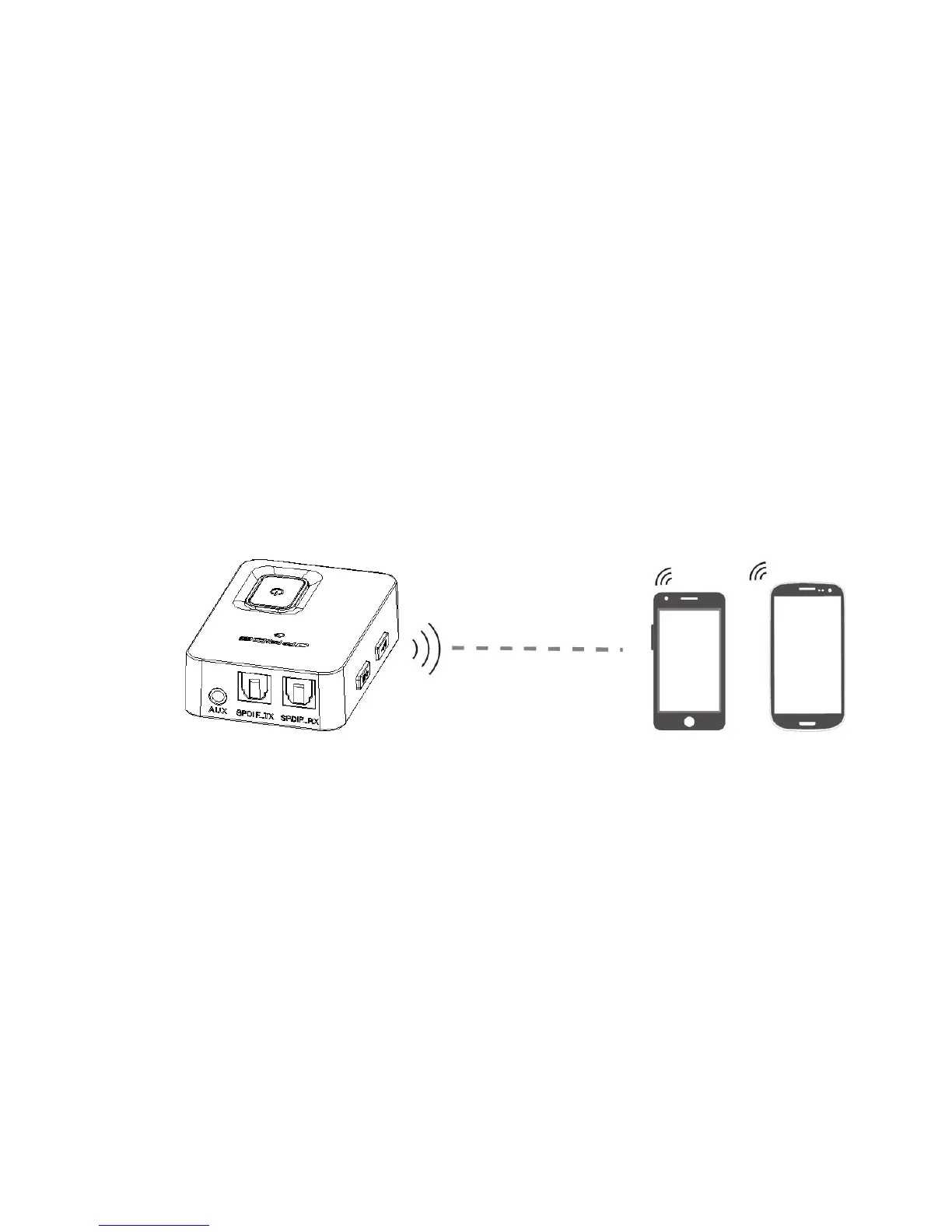
4.2InRX status connect with two bluetooth devices simultaneously
A.
Paired with the first device successfully, then short press the paring button,enter
new paring mode,red and blue LED flash alternately.
B.Make the second device(computer, tablet or cellphone) power on and turn on
bluetooth function
C.Put JPT2 together with the second device, click the second device’s bluetooth search,
click connect when
JPT2 appeared. After paired successfully, blue LED blink once then
disappeared, that means
JPT2 has connected with two bluetooth devices simultaneously
Note:
*JPT2 connected two bluetooth devices simultaneously, it only can play one cellphone’s
music, when you want to play another cellphone’s music, you need to pause or close the
former cellphone’s music


 To Next Page