30
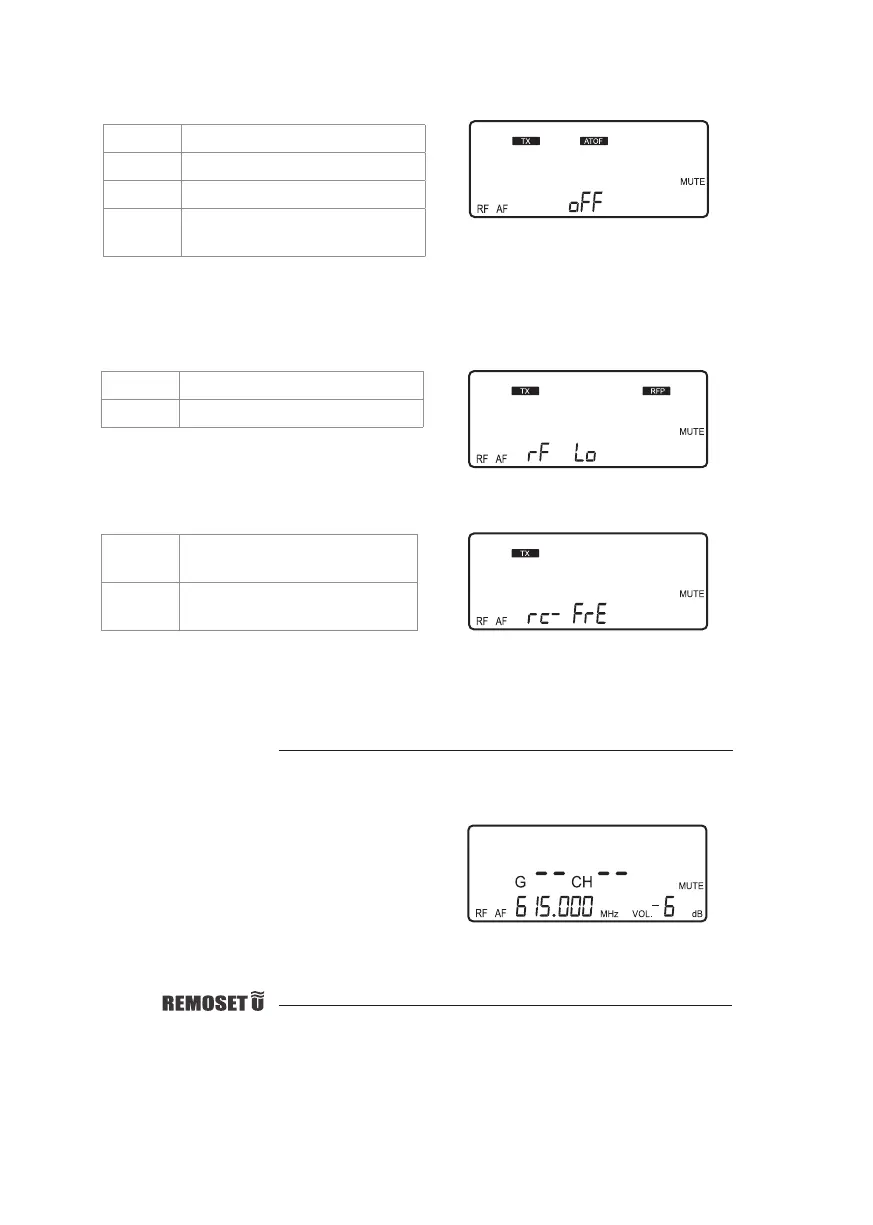
◎ATOF: Automatic microphone o countdown under mute status
AO OF This function is deactivated
AO 1 1 minute countdown to turn o
AO 10 10 minute countdown to turn o
AO 30 30 minute countdown to turn o
This function is deactivated.
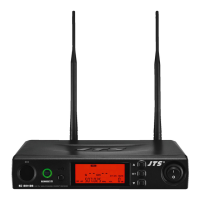
◎RFP: RF microphone power
rF Lo 10mW
rF Hi 50mW
The transmitter comes with 2 stages of RF power output (as per local regulations).
This shows that the RF output is LOW (10mW)
Volume adjustment
In non-setting mode, adjust the volume from 0 to -31dB using the ▲/▼button.
● The minimum volume is -31 dB.
● The maximum volume is 0 dB.
● The default setting is -10 dB.
Minimum volume at -31db; maximum volume
at 0dB
Pairing
See page 25.
(The default setting is 10 minute.)
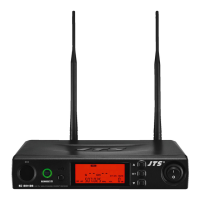
rC-FrE Only frequency and group
setting will be synchronized
rC-ALL All data setting will be
synchronized
◎ RC (Remoset Conguration)
The default setting is rC-FrE.
Only frequency and group setting will be
synchronized.



 To Next Page