34
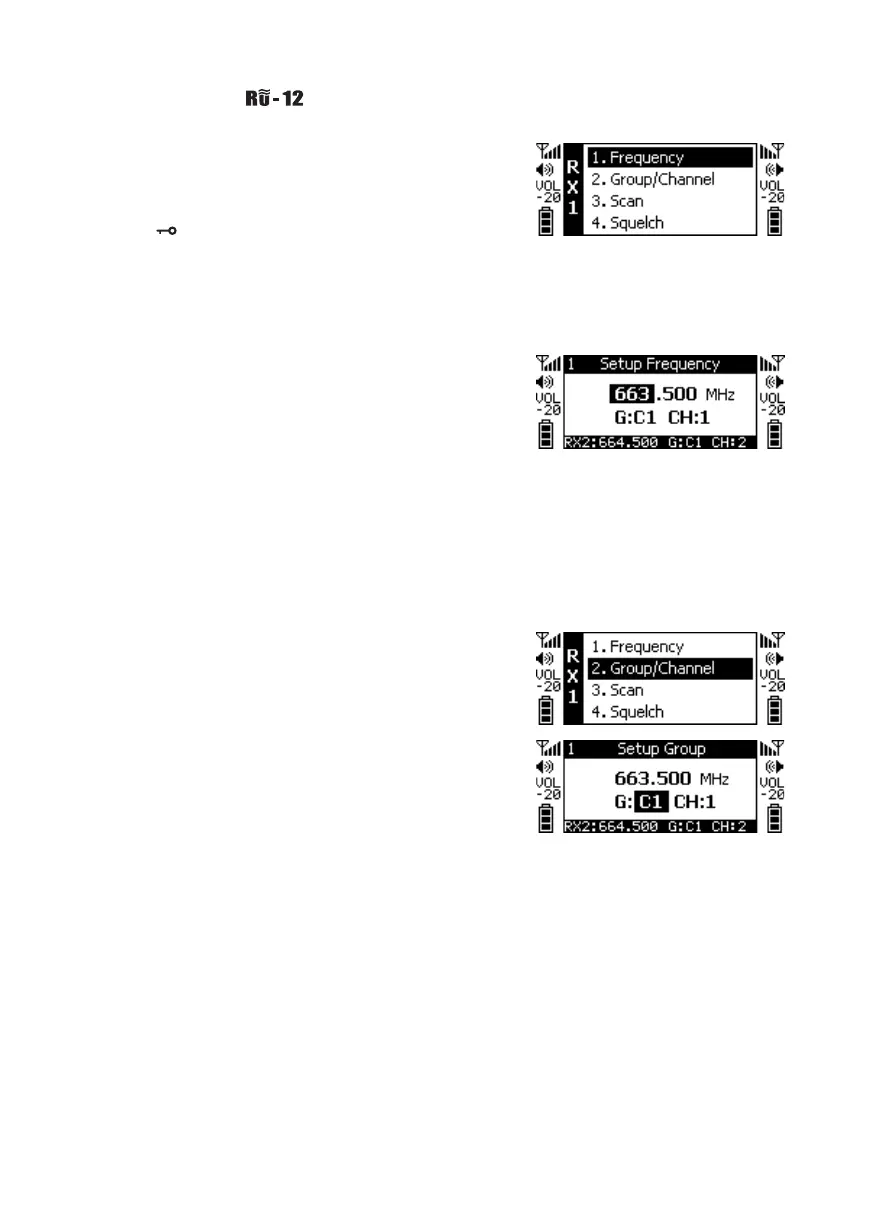
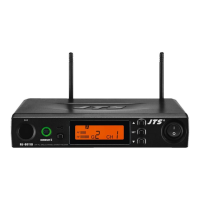
Press and hold the SETUP key for 2 seconds to enter the
Setup Menu. Press ▲ and ▼ keys to select the item to
be set, and press SETUP again to enter the settings.
※ Press to return to the previous item. Note that the
set value will not be saved.
6-1-5 How to use //
◎Frequency Setting
Adjust the left 3 digits of the Frequency. Press ▲ and
▼ keys to change by "+/-" 1 MHz each time. Press the
SETUP key after adjustment is completed. Adjust the
right 3 digits of the Frequency. Press ▲ and ▼ keys to
change by“+/-” 0.025MHz each time. After the setup is
completed, press the SETUP key to save the set value.
◎Default Group
Press ▲ and ▼ keys to select Group "G:" ; Press the SET-
UP key adjustment is completed. Press ▲ and ▼ keys
to adjust Channel "CH:" After adjustment is completed,
press the SETUP key to save the set value.



 To Next Page