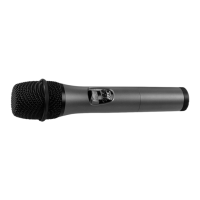
WIRELESS MICROPHONE SYSTEM
13
250
250
250
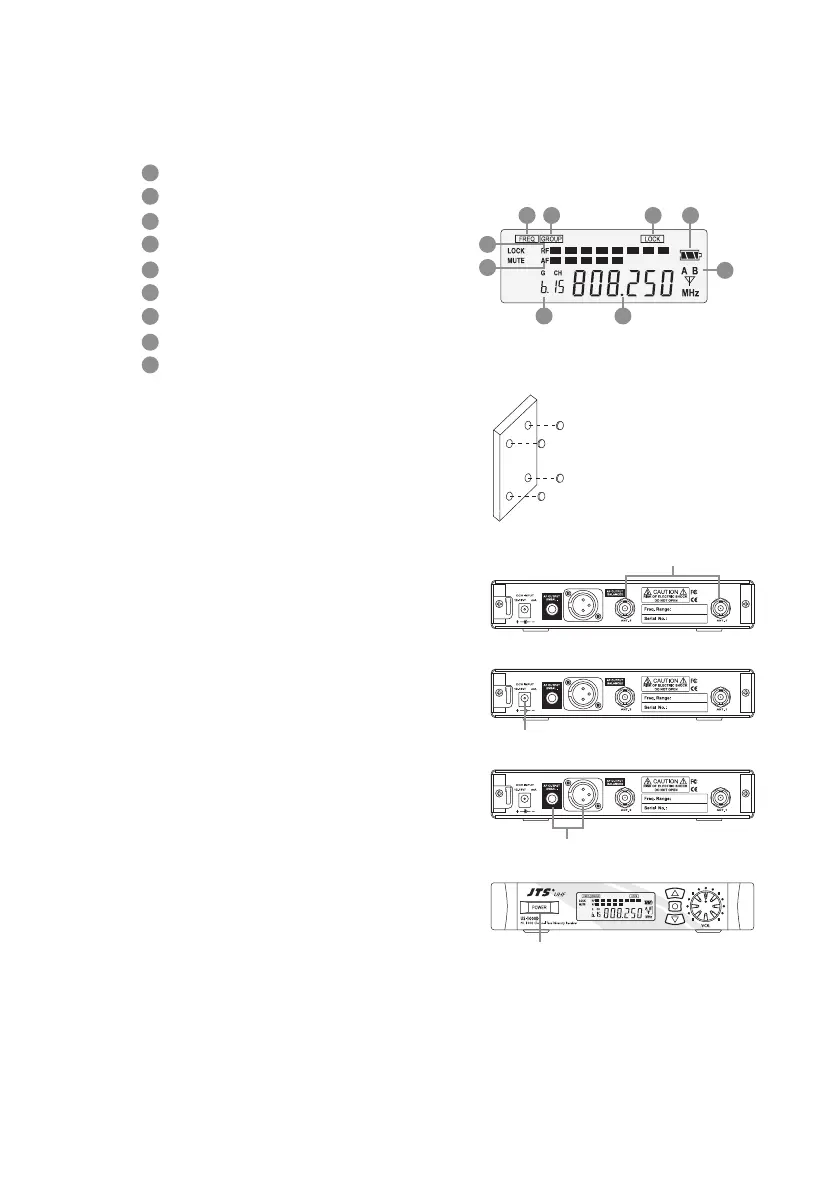
(3) LCD panel
AF signal
RF signal
Display for GROUP mode
Display for LOCK mode
Display for set FREQ. mode
Main display
Diversity display (A or B antenna)
Battery display for the transmitter
Group channel display
(4) Setting the rubber pad
Four self-adhesive rubber pads are provided
to ensure the stability.
They are to be placed on the bottom side of
the receiver.
(5) Connecting the antennas
The user-friendly US-1000D antenna comes
with easy mount on socket for eortless con-
nection. Connect two antennas on the back
of the receiver and align them upward.
(6) Connecting the main unit
Plug in the DC connector on the back of the
receiver (DCV INPUT).
(7) Connecting the amplier/mixer console
Plug in the amplier/mixer console to the
(AF OUT UNBAL / BAL ) sockets.
(8) Turning the receiver on/o
Turn the receiver on by pressing the
(POWER) button.
3
5
8
2
4
7
1
6
9
35
2
4
7
1
69
8
ANT.1 / ANT.2
DCV INPUT
AF OUT UNBAL/BAL
POWER


 To Next Page