WIRELESS MICROPHONE SYSTEM
15
3. Setting Lock-on
Press “SET” button three sec. re-press “SET” button three times, after these procedure Press
“UP” button for lock-on mode and “DOWN” button for lock-o mode. Re-press “SET”
button the“ ” will display on the LCD the lock function could stored.
4. Relieved Lock-on
Press “SET” button three sec. till“ ” show up, to press “UP” button for lock-on mode
and “DOWN” button for lock-o mode. Re-press “SET” button the “Store” will display
on the LCD the lock function could stored.
5. Press any button the display shows“ ” during lock-on mock. And it will not disap-
peared either electric o.
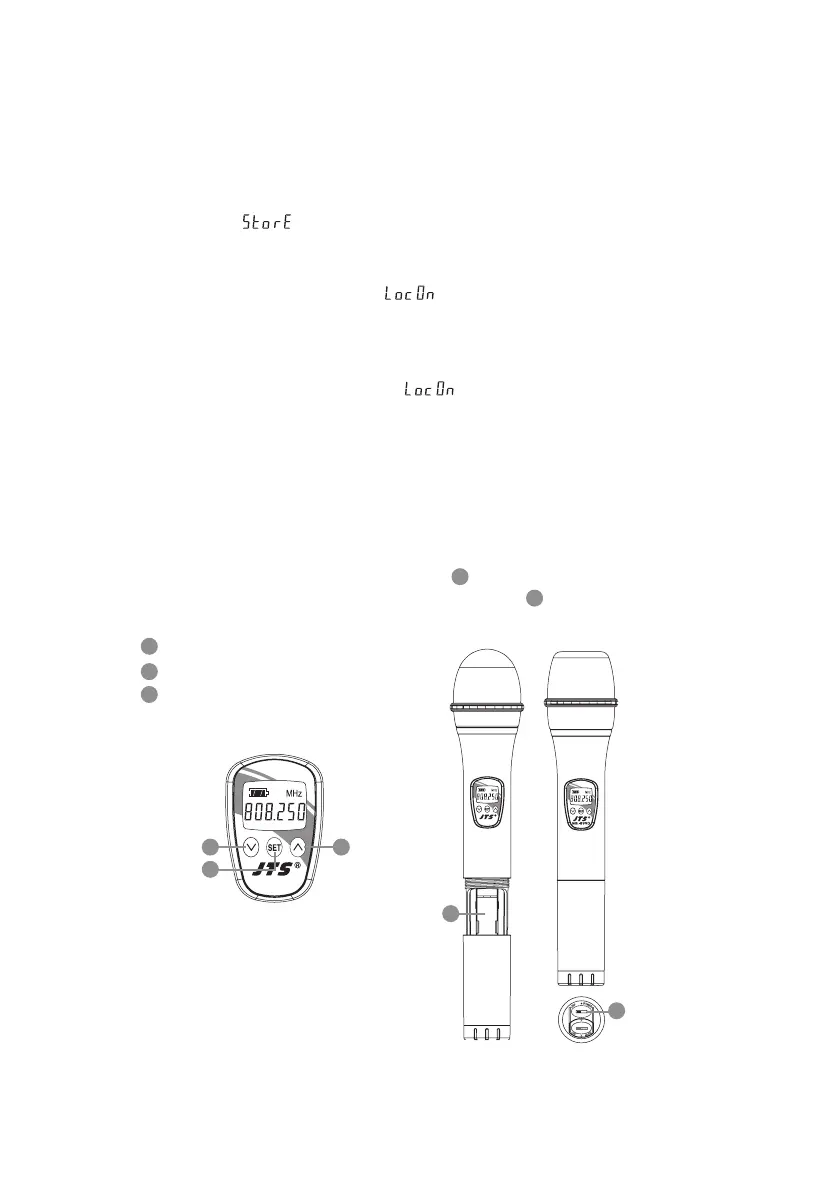
(1) Insert 2 pcs 1.5V batteries into the battery tray.
(2) After putting into the battery, switch on the power on/o.
(3) LCD operation
Down button
Up button
SET button
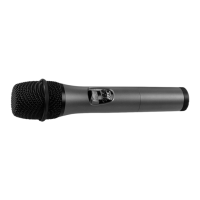
5-2 Handheld Transmitter // Mh-8990(i)
4
5
3
Mh-8990i
3 4
Mh-8990i
7
6
6
7
5


 To Next Page