6. System Operation
(1) Turn on the system
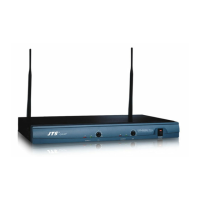
1. Turn on the power of the receiver and check the indicators to verify signal is well received.
2. Adjust the volume control of the receiver to a proper level.
3. Turn on the power of the amplier and adjust the volume to a proper level. Avoid to
damage the amplier, please turn on the amplier only aer the receiver and transmier is
powered on.
(2) Turn o the system
1. At rst, please decrease the volume of the amplier to a lowest level, then turn o the power
amplier.
2. Turn o the wireless transmier and the receiver.


 To Next Page