36
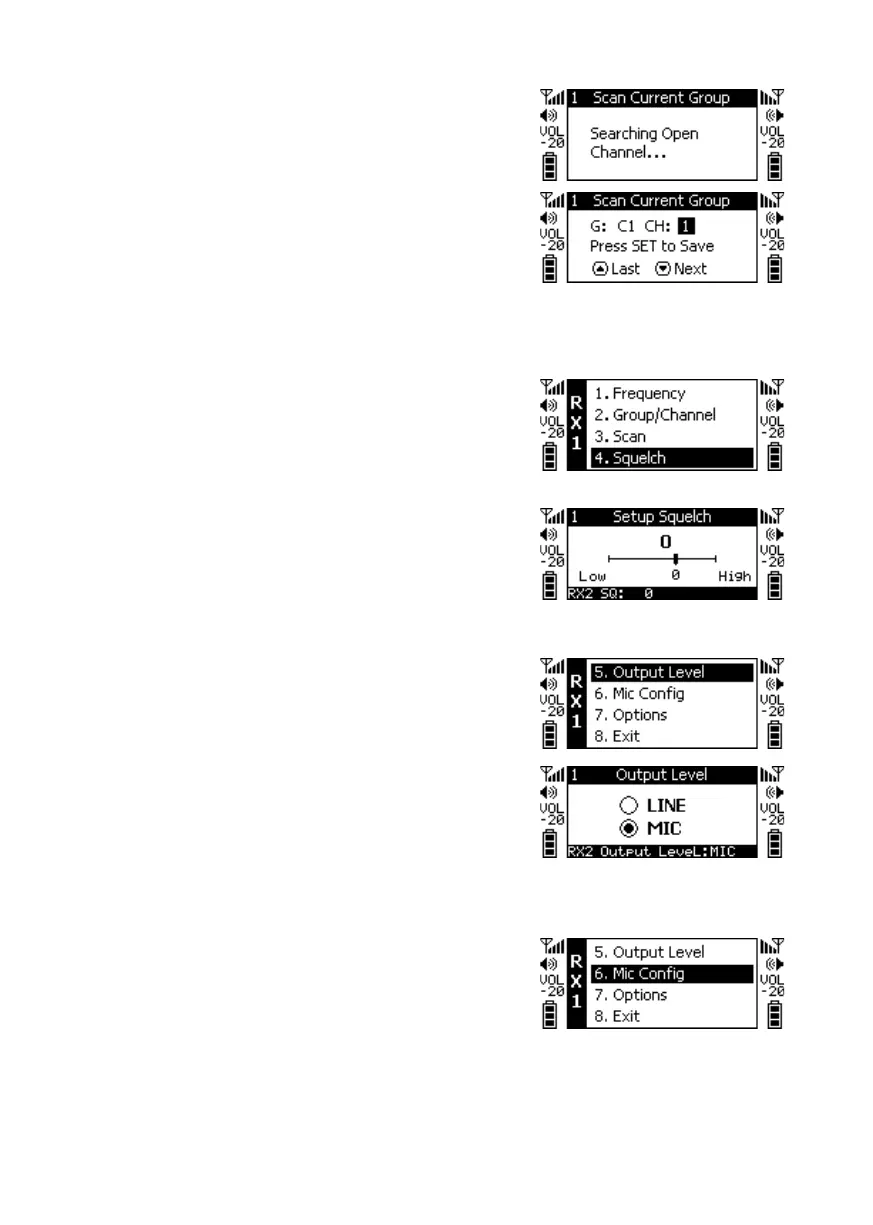
Press ▼ to search for the next available Channel. Press
the SETUP key to save the settings.
◎Receiver Sensitivity
+10 ~ -5: The higher the value, the lower the Receiver
Sensitivity; the lower the value, the higher the Receiver
Sensitivity. Default Value is 0.
◎Output Attenuation
Press ▲to set the balanced output level for Line to
Line output.
Press ▼ to set the balanced output level for Mic to
Mic output.
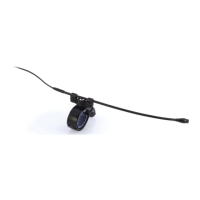
◎Microphone Options: Press ▲ and ▼ to select the
item to be adjusted. Press SETUP, and then press ▲ and
▼ to select the settings to be adjusted, and then press
SETUP to return to the item selection.


 To Next Page