EasyManua.ls Logo

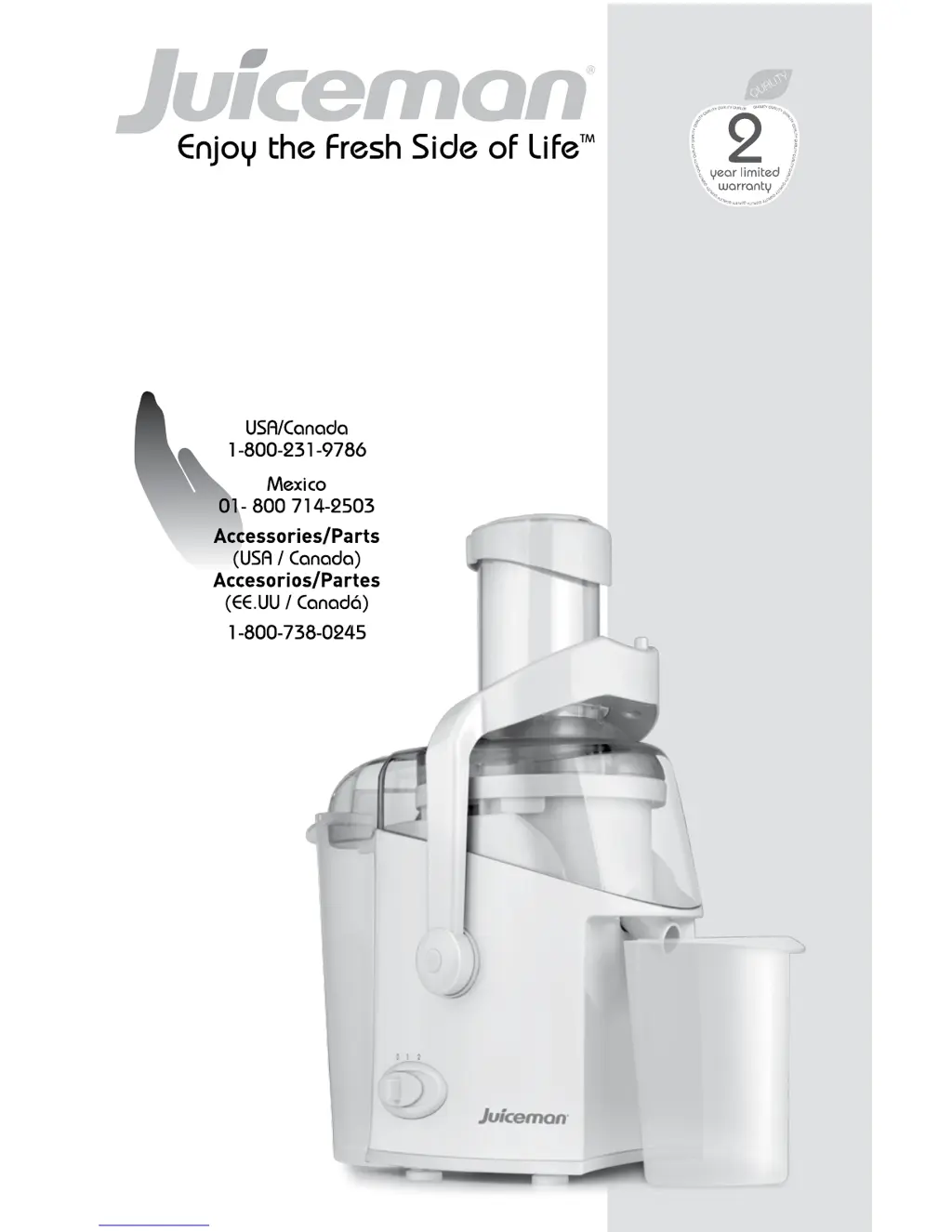
Juiceman JM300 - User Manual

Juiceman JM300
25 pages
Print Icon
To Next Page IconTo Next Page
Loading...
1
CustomerCare Line:
For online customer service
and to register your product, go to
www.prodprotect.com/applica
Automatic Juice Extractor
Extractor de jugo automático
MODEL/MODELO
JM300

Questions and Answers

  • M
    Michelle MoodyAug 11, 2025
    What to do if my Juiceman JM300 Juicer motor seems to stall?
    • P
      Pamela TurnerAug 11, 2025
      If the motor seems to stall, turn the Juiceman Juicer off and unplug it. The juicing may be too vigorous, or pulp may have built up under the cover. Remove the filter basket and clean it with a brush to remove all food particles. Clean the cover before replacing it and continuing to juice.
  • R
    Richard HartAug 17, 2025
    Why is my Juiceman Juicer making loud noises and vibrating?
    • M
      Monica DonovanAug 17, 2025
      If your Juiceman Juicer is making loud noises and vibrating, it might be that soft foods have clogged the filter. Turn the appliance off and unplug it. Remove the filter basket and clean it with a brush to remove all food particles.
  • H
    Holly BennettAug 25, 2025
    What to do if my Juiceman JM300 pulp is too wet?
    • K
      Kenneth MooreAug 25, 2025
      If the pulp is too wet and not enough juice is being extracted from your Juiceman Juicer, you may be pushing foods too quickly through the appliance. Use the pusher as a guide and do not apply extra pressure. Turn the appliance off and unplug it. Remove the filter basket and clean it with a brush to remove all food particles. You can also soak the filter basket in a solution of hot water and lemon juice to remove excess fiber or wash it in the dishwasher on the top rack.
  • K
    Kristin FergusonAug 29, 2025
    How to fix juice leaking from my Juiceman JM300?
    • A
      Andres HernandezAug 29, 2025
      If juice leaks between the juice pitcher and the cover of your Juiceman Juicer, ensure the juice pitcher is flush with the appliance. The juicing action may be too fast, so slow it down.
  • W
    williamsnathanielSep 4, 2025
    What to do if my Juiceman JM300 Juicer is on but not running?
    • J
      Jennifer HillSep 5, 2025
      If the Juiceman Juicer is turned on but not running, the safety lock may not be closed securely. Turn the appliance off and unplug it. Check that each part of the appliance is attached correctly and that all parts are clean and free of food remnants.

Juiceman JM300 Specifications

General IconGeneral
TypeCentrifugal Juicer
Power800 W
Speed Settings2
Dimensions13 x 9 x 17 inches
Frequency60 Hz
Juice Container Capacity1 L
Pulp Container Capacity2.5 L
MaterialPlastic
Weight7.5 lbs
Voltage120 V

Related product manuals